Travel connectivity guide
A1 eSIM in Croatia: activation and travel guide
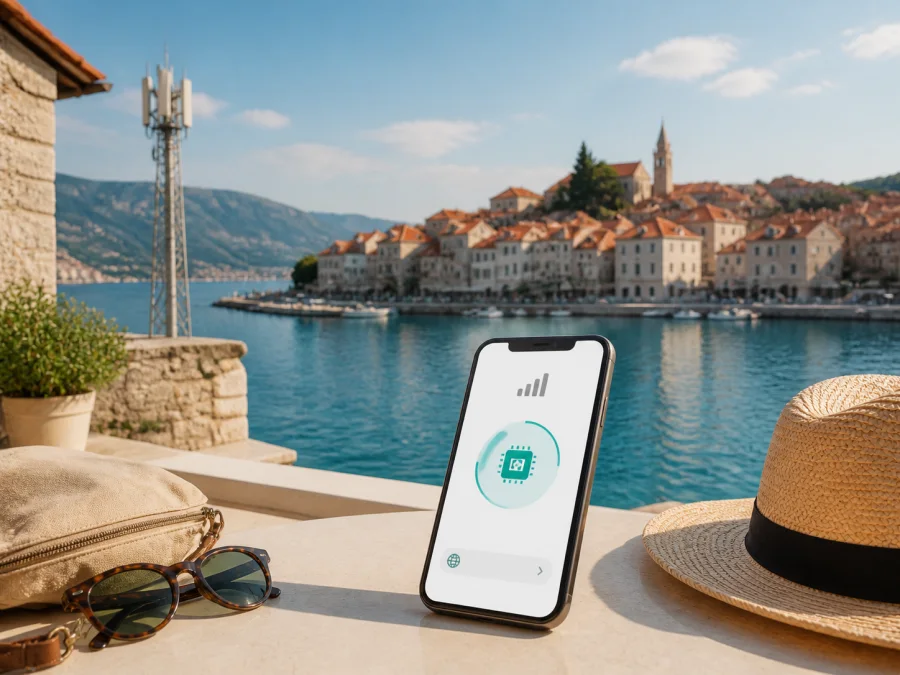
A1 eSIM in Croatia: connection options for travelers
If you are planning a trip to Croatia and want mobile internet without replacing your physical SIM card, A1 eSIM is a local option worth checking. A1 is a mobile communications operator in Croatia. Its current public pages describe eSIM for compatible phones and other supported devices, with digital activation. They also show general availability of prepaid and tourist-oriented offers, although the current conditions should always be checked before ordering.
This guide explains what A1 eSIM in Croatia can mean for a visitor, how activation is normally handled, which device and network details matter, and when a travel eSIM may be more convenient. It stays at a general level and does not reproduce a changing offer catalogue.
A quick orientation
| Question | Practical answer |
|---|---|
| Is A1 eSIM publicly confirmed? | Yes. Current A1 eSIM and tourist pages describe ordering or activation for compatible devices. |
| How is it delivered? | Activation information is sent by email, with a QR code and instructions. |
| What is needed? | An eSIM-compatible, unlocked device, internet access during setup and the activation information. |
| Are prepaid or tourist offers available? | A1 currently presents both categories in general. Check current eligibility and terms. |
| Which technologies matter? | A1 publishes 2G, 4G/LTE and 5G coverage layers. Its current notice says 3G ended across Croatia on July 6, 2026. |
| What is a travel eSIM? | A separate, usually data-focused option that can be prepared before departure. |
Independence notice
A1 and related names belong to their respective rights holder. Kaspersky eSIM Store is not affiliated with A1 and is not presented here as A1’s official partner, reseller or representative. This is an independent travel-information guide. Check A1’s own current support and sales materials before ordering.
A1’s place in Croatia’s mobile market
A1 is an established communications operator serving the Croatian market. On its current English “About us” page, A1 Hrvatska says that its Croatian business serves about two million customers.
For a traveler, the practical point is that A1 offers local mobile service, prepaid access and digital account tools. You may encounter A1 through online ordering, an A1 store or another retail point. The right route depends on whether you need a Croatian number, local operator services or mainly data for maps and travel applications.
Is A1 eSIM available in Croatia?
Yes, current public A1 pages confirm that eSIM is available in Croatia. A1’s dedicated eSIM page explains that the profile is built into the device rather than placed on a removable card. It describes obtaining eSIM through online channels, a sales point or customer service, depending on the service and customer journey.
A1’s current eSIM Guide says that activation information arrives by email and that the user follows QR-code instructions. It asks the user to check device support and have Wi-Fi or mobile data. For Android, the flow uses SIM management and “Add eSIM”; for iPhone, it uses mobile-service settings and a QR code or email flow. Menu names vary by device.
The A1 eSIM FAQ says that an eSIM can be activated and used while roaming, so the device does not necessarily have to be connected to the A1 home network. An internet connection is still required. A1’s current tourist page also includes eSIM in its visitor purchase journey, with activation information sent by email. This confirms that A1 presents eSIM for visitors, but not that every device, payment method or travel situation is eligible.
Prepaid and tourist availability
A1 publicly presents prepaid and tourist offers for people who need a local connection in Croatia. A prepaid model generally means arranging service in advance rather than receiving a conventional recurring bill. A tourist-oriented model is intended for a temporary stay and may be offered online, in stores and through selected retail locations. These are general categories, not a recommendation of a particular A1 offer.
A local purchase may suit you if you want a Croatian mobile identity or local operator support. The trade-off is that you may need to review identification requirements, select the activation route, arrange payment, understand when service starts and keep the account active.
Do not assume that an offer shown on an A1 page is available under identical conditions to every visitor. Check whether the route is online or store-only, whether delivery is limited to Croatia, which registration details are requested, whether the eSIM is for a new number or an existing service, and which support channels are available.
A1 eSIM activation for travelers
The exact screens depend on your phone, but the current A1 guide supports this sequence.
1. Confirm the device
Check that the phone, tablet or watch supports eSIM. Regional variants, carrier locks and software versions can matter. If the phone was purchased through another operator, confirm that it is unlocked. If it has two lines, check how it handles mobile data, calls and messages together.
2. Prepare internet access
Keep the activation email available. Setup requires Wi-Fi or another working data connection. If the QR code is displayed on the same phone, use the email-based option when supported, or display it on another screen. Save the message securely and do not share the QR code publicly.
3. Add the profile
Open mobile-network settings and choose the option to add an eSIM. Scan the QR code or follow the on-screen email flow. Android menus often place this under SIM management; iPhone menus use the mobile-service area. Read each confirmation before completing installation.
4. Select the data line and test
Label the new profile clearly, choose it for mobile data and review the home SIM’s data-roaming setting. Some A1 services become active after installation and the first connection; other services may follow a different order. Use the activation email and current A1 page, then open a simple web page and keep Wi-Fi available until the connection is confirmed.
What to check before ordering
Device support and carrier lock
Search the phone settings for an eSIM or “Add mobile plan” option, compare the exact model number with the manufacturer’s information and confirm that no carrier restriction prevents another profile. A phone sold in one market can have different eSIM support from a similar model elsewhere.
Traveler requirements
Do not rely on broad claims such as “no documents required.” The purchase path may differ between an online order, a tourist service, a store purchase and replacement of an existing A1 profile. Read checkout and support instructions to see whether an email address, identity document, local delivery address or other registration information is needed. Delivery limited to Croatia is a practical restriction for someone preparing everything before departure.
Activation timing and support
Separate ordering, installing the profile and beginning to use the service. An email can arrive before you travel, while network use may begin only after an operator condition is met. Keep the order confirmation and activation details protected. A1 says moving a profile between devices can require deleting it from the current device, so do not erase an active profile until you understand the next step.
Coverage for your itinerary
No coverage map can promise the same experience in every room, valley, road, island or ferry route. Buildings, terrain, congestion, handset capability and local radio conditions affect the result. Check A1’s map for the particular places you will visit, including smaller coastal towns and inland routes. A Croatian local offer is not automatically a service for a neighboring country.
If you prefer to prepare mobile internet separately from a local number, you can choose an eSIM plan for Croatia in Kaspersky eSIM Store and review the device and activation conditions before the trip.
A1 technologies and coverage in Croatia
A1’s public coverage map provides separate layers for GSM/EDGE, LTE/LTE+ and NR (5G), and describes the areas represented by them. For a traveler, this is more useful than a general statement about network quality: check the places on your route and see which technologies are shown there.
The map also contains information about 3G, but A1’s current network notice says that its 3G network stopped operating across Croatia on July 6, 2026. A current setup should therefore be planned around the technologies A1 identifies as active, particularly 4G/LTE and 5G where available, with 2G relevant to legacy voice behavior and other basic network functions. A 5G-capable phone alone does not create 5G coverage; location, device bands, service conditions and network availability matter.
A1’s coverage information lists technical layers, not a guarantee of fixed speed or uninterrupted service. A phone can move between layers as you travel, so download offline essentials and keep a backup connection method. This is a precaution for any operator, not a criticism of A1.
Local A1 eSIM or a travel eSIM?
The two options solve related but different problems. An A1 eSIM is a local operator relationship. It can suit someone who wants A1’s local service structure, a Croatian number where the selected service provides one, or the operator’s support and account tools. It may also suit a longer or repeat stay.
A travel eSIM is arranged around the journey and is usually selected by destination for mobile data. You can prepare it before leaving home, keep the physical SIM in the phone and use the travel profile for maps, translation, transport, bookings, email and messaging. It normally does not replace a regular phone number. Ask whether you need a local number and whether you will cross borders.
How Kaspersky eSIM Store fits the travel scenario
Kaspersky eSIM Store is an app and website where a user can choose, arrange and activate an eSIM for mobile internet during an international trip. It is not a mobile operator, does not own A1’s network and does not provide A1 coverage. It is a separate travel-preparation route for someone who wants to select a destination-based data option before arriving in Croatia.
The current Kaspersky public pages describe a general flow: check compatibility, choose a destination and suitable eSIM option, complete the order, then install the profile from the account or activation email. After arrival, select it for mobile data; some phones also require data roaming.
The Kaspersky travel eSIM is data-focused and should not be treated as a replacement for a Croatian phone number, ordinary voice calls or SMS unless current conditions explicitly say otherwise. Keep the everyday SIM available for its usual number and review destination, activation, device, hotspot and cancellation conditions before ordering.
A short checklist before departure
- Confirm the exact device model supports eSIM and is not carrier-locked.
- Keep the activation email or QR code accessible and protected.
- Install the profile while connected to dependable Wi-Fi.
- Select the intended eSIM for mobile data and check the home SIM’s roaming setting.
- Confirm whether the selected profile needs data roaming.
- Test a simple connection and save offline maps or essential reservation details.
Common trip scenarios
For a city break, a travel eSIM can be prepared before departure and selected for maps and messaging on arrival; a local A1 tourist or prepaid offer may suit someone who wants local operator service. For a coastal route with islands and ferries, check the A1 map for important stops and do not assume a Croatia-only option covers neighboring countries. For work travel, check hotspot rules and keep a backup connection method for a critical meeting.
Frequently asked questions
Is A1 eSIM available in Croatia?
Yes. A1’s current public eSIM and visitor-oriented pages describe eSIM availability in Croatia. Eligibility still depends on the service, device, purchase route and current conditions.
Does a travel eSIM provide a Croatian phone number?
Usually not. Kaspersky eSIM Store describes its travel eSIM service as data-focused. Keep your regular SIM for your usual number when needed.
Do I need data roaming for an eSIM?
It depends on the profile. Some travel eSIMs require data roaming for that eSIM, while A1’s local activation guidance has its own conditions. Enable roaming only for the intended profile.
Final preparation
Choose the connection model that matches your trip. If you want a local Croatian number or operator account, review A1’s current eSIM, prepaid and tourist information. If you mainly need mobile data and want to prepare before departure, consider a travel eSIM and read its conditions carefully. In both cases, verify device compatibility, keep a working internet connection for setup, select the correct data line and save offline essentials.
For a destination-based travel-data option, review eSIM choices for Croatia through Kaspersky eSIM Store. This is separate from A1: it helps you choose and activate a travel eSIM, but it is not the operator, owner of the network or provider of A1 mobile coverage.
Information in this article was checked on September 6, 2026. Operator services, eSIM eligibility, coverage maps, activation flows, prepaid and tourist availability, device support and travel-service conditions may change. Confirm current details with A1 or the relevant service before purchase. A1 is not affiliated with Kaspersky eSIM Store, and Kaspersky eSIM Store is not presented as A1’s official partner or representative.


