Travel connectivity guide
BTC eSIM in the Bahamas: what travellers should check
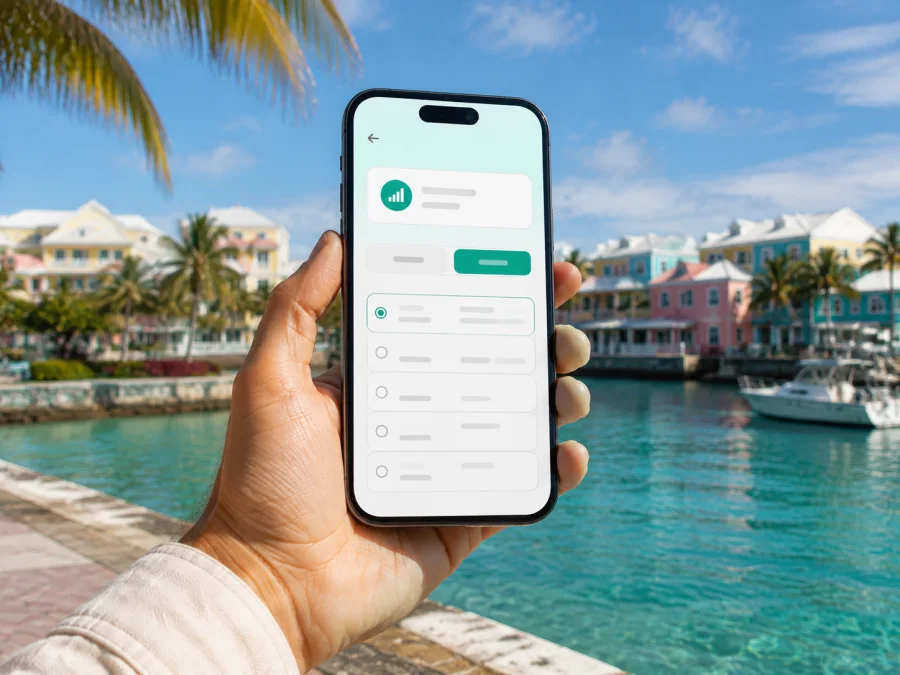
BTC eSIM in the Bahamas: connection for travellers
If you are travelling to the Bahamas and want mobile internet without exchanging a physical SIM card, BTC is one of the local options to check. BTC provides mobile services in the country and presents a visitor-oriented eSIM route alongside its prepaid offer. This guide covers what is confirmed, what to prepare before activation, how local and travel eSIMs differ, and how to troubleshoot a connection across Nassau, Grand Bahama, or the Family Islands.
BTC and related names and marks belong to their respective owners. Kaspersky eSIM Store is not affiliated with BTC, is not endorsed by BTC, and is not its official partner or distributor. The information below was checked on September 8, 2026; mobile products, activation rules, coverage, and device support can change.
BTC in the Bahamian mobile market
BTC is the Bahamas Telecommunications Company, an established local communications operator. Its public site presents mobile and related communications services in the Bahamas. A local BTC line is connected to the operator’s own service rather than being a separate international travel product.
A local line may suit a longer stay, repeat visits, a local number, or direct local support. A traveller who mainly needs mobile data for a short trip may instead prepare a travel eSIM in advance. BTC’s public pages show prepaid mobile service and an online visitor eSIM journey, but the live form remains the authority for current conditions.
What the current eSIM confirmation says
The official BTC account describes digital activation before arrival, and a Liberty Caribbean news page dated March 25, 2026 describes BTC’s launch of a visitor eSIM. The BTC-linked online purchase flow is presented as a “Buy an eSIM” journey with the Bahamas as the destination. These public pages support the availability of BTC eSIM for visitors. Confirm the live checkout flow, eligibility, and device list before installing.
Prepaid and visitor options: what to expect
Prepaid service is arranged in advance under the conditions shown during the current purchase or activation process. A visitor offer may suit a temporary stay, while a regular local account may fit ongoing use or a need for direct local support. Do not use a search result, old screenshot, or travel blog as a substitute for BTC’s current form. If the visitor option is absent, ask BTC support whether it remains open to new travellers.
Physical SIM registration and digital-profile rules may differ. If BTC asks for identification, an address, or another verification step, follow the live instruction in its official flow. This article does not infer a particular document requirement for BTC eSIM without a current BTC statement.
Compatibility and traveller requirements
Before you choose BTC eSIM in the Bahamas, check the following conditions:
| Check | Why it matters |
|---|---|
| eSIM support | The phone must contain an eSIM function supported by its model and software version. Regional variants can differ. |
| Carrier unlock | A device locked to another operator may refuse a local profile even when the hardware supports eSIM. |
| Internet for setup | Installation normally needs Wi-Fi or another working connection so the profile can be downloaded. |
| Account and payment access | Read the current BTC flow for sign-in, contact, and payment requirements. |
| Travel timing | Decide when to install and keep the activation instructions available. |
| Primary SIM settings | Keep your home line available when needed, but select the intended data line. |
Check compatibility before purchase. Some phone families support eSIM only in certain markets, and a carrier-unlocked iPhone or Android phone is not automatically guaranteed to accept every local profile. Keep the phone charged, do not delete the primary SIM prematurely, and label the BTC profile clearly if the device supports multiple lines.
Network technologies and coverage in the Bahamas
The Utilities Regulation and Competition Authority’s published retail cellular market review identifies GSM, HSPA, and LTE/4G in the scope of Bahamas retail mobile service. BTC’s current business pages also refer to 4G and 5G in its communications environment. This is technology context, not a promise that every BTC customer will see every mode at every site. LTE or 4G instead of 5G alone does not indicate activation failure.
Coverage varies with geography, terrain, buildings, weather, demand, and distance from a serving site. Nassau may differ from a remote settlement, Family Island, offshore excursion, or indoor location. URCA has also published material about communications outages and restoration work across islands. Download key information before leaving reliable Wi-Fi and keep an alternative way to contact your accommodation.
How to read coverage information
Use a BTC coverage map or support response as a planning aid. Check the exact island and nearby settlements, and do not treat a Nassau result as a statement about the whole route. A compatible profile, correct data-line selection, required roaming setting, and active local service are all necessary.
Local BTC service or a travel eSIM?
The distinction is mainly about the service relationship and the preparation workflow.
| Question | BTC local eSIM | Travel eSIM through a store or app |
|---|---|---|
| Local service | BTC is the destination operator. | The travel service may use a local network partner. |
| Workflow | Start with BTC’s website, purchase flow, and support. | Start with the destination page, compatibility check, and instructions. |
| Use case to consider | A local relationship, visitor route, or ongoing local use. | Preparation before departure and data-focused travel use. |
| What to check | Eligibility, device, activation, service area, and current conditions. | Destination, device, activation timing, and current conditions. |
This is a reference table, not a tariff comparison. Decide based on the need for a local account, the itinerary, the importance of a local number, and whether setup before departure is more convenient.
How to prepare BTC eSIM before departure
1. Check the phone
Open mobile settings and look for Add eSIM, Add mobile plan, or Add cellular plan. The wording differs between Android and iOS. If there is no eSIM option, check the exact model and regional version before purchase.
2. Confirm the device is unlocked
Ask the current operator or inspect the phone’s carrier-lock information. An unlocked device still must meet BTC’s compatibility conditions.
3. Use BTC’s current purchase path
Open the official BTC-linked eSIM flow and read each screen. Confirm that Bahamas is the destination, the visitor route is available, and the conditions match your trip. Do not use an old advert or inactive third-party page.
4. Save the activation details
Keep the QR code, installation instructions, and support information accessible. If the code is on the phone that must scan it, use manual entry if BTC provides it or display the code on another trusted screen. Do not share an activation code.
5. Install at a convenient time
If the live instructions allow installation before travel, use reliable Wi-Fi. Installation and service activation can be separate steps, so follow BTC’s wording rather than assuming that installation immediately starts service.
How to activate and use the profile
After installation, label the profile BTC Bahamas. Keep the home line enabled when needed, but select BTC for mobile data. If the phone shows a data-roaming switch for the eSIM, enable it only when BTC requires it and keep the home line’s roaming setting separate.
On arrival, check airplane mode, mobile data, the BTC profile, and the selected data line. Restart after a profile change. Do not rescan the QR code unless BTC support says to. Between islands, a changed network mode can be normal; if service disappears, try an open area and check local coverage information.
Troubleshooting checklist
If BTC eSIM does not activate, work through these checks:
- Confirm that the profile appears and is switched on.
- Confirm that BTC is selected for mobile data.
- Check carrier unlock, software, and any BTC APN instruction.
- If roaming is required for the eSIM, enable it for that profile only.
- Toggle airplane mode and restart if the profile remains offline.
- Contact BTC support if the profile is missing or activation remains incomplete.
Keep notes about what you changed. “No SIM” or “Unable to add eSIM” usually points first to installation, compatibility, or carrier locking; a visible BTC line with no data points first to data-line or roaming settings.
Kaspersky eSIM Store as a travel-data alternative
Kaspersky eSIM Store is an app and website that helps a traveller choose, arrange, and activate an eSIM with a travel data plan. It is not a mobile operator, does not own a Bahamian network, and does not provide BTC coverage. The current Kaspersky Bahamas page shows BTC among the local telecommunications providers used for its Bahamas eSIM service. Its setup flow includes device compatibility, destination selection, digital activation, and profile management. The eSIM is data-focused and does not replace a phone number for ordinary calls and SMS.
If the local BTC route suits your need for a destination operator relationship, start with BTC’s current official flow. If you want to prepare a travel-data profile in one app before departure, choose an eSIM plan for the Bahamas and read the live compatibility and activation conditions. The link is a Kaspersky eSIM Store destination page, not a BTC sign-up page and not a claim that Kaspersky is the network operator.
Questions travellers ask
Is BTC eSIM available in the Bahamas?
Yes, current public BTC materials present a visitor eSIM route for the Bahamas, including digital activation before arrival. Availability can still depend on the live flow, device, and current customer conditions, so confirm it with BTC before travel.
Can I install BTC eSIM on any phone?
No. The phone must support eSIM and must not be carrier-locked in a way that blocks another operator’s profile. Regional model differences and software versions matter, so use the device check supplied by BTC and the manufacturer’s exact model information.
Should I install before leaving home?
If BTC’s instructions permit it, install while you have stable Wi-Fi. Keep the profile turned off or follow the stated activation timing if you do not want to use it until the trip begins. Installation alone does not guarantee service.
Will BTC work on every island?
Do not assume that. Experience can vary by island, settlement, terrain, buildings, weather, and local conditions. Check the places on your itinerary and ask BTC about remote or inter-island travel when access matters.
Does a travel eSIM replace my BTC number?
Usually not. A travel eSIM is often intended for mobile data, while the ordinary number remains on the primary SIM. Check voice and SMS support before relying on it for calls, and choose the correct data line.
What should I do if the visitor option is not visible?
Do not rely on an archived page or third-party listing. Check BTC’s current website and support channel, ask whether the visitor eSIM is open to new customers, and verify the requirements for your device and dates.
Final checklist before travelling
- Confirm eSIM support and carrier unlock.
- Check BTC’s current visitor flow and any verification steps.
- Review the islands on your itinerary and save the QR code securely.
- Select the intended data line and check roaming for that profile.
- Keep the primary line available when you need its number.
- Download essential travel information before leaving reliable Wi-Fi.
- Contact BTC support when activation or local service does not behave as described.
BTC eSIM in the Bahamas is a current local connectivity option for visitors, but the useful details are the ones that match your device and route on the day you travel. Recheck the operator’s live conditions shortly before departure, and choose the setup that fits your need for a local relationship, a temporary visit, or a separately prepared travel-data connection.


