Travel connectivity guide
Caacupe eSIM for Mobile Internet
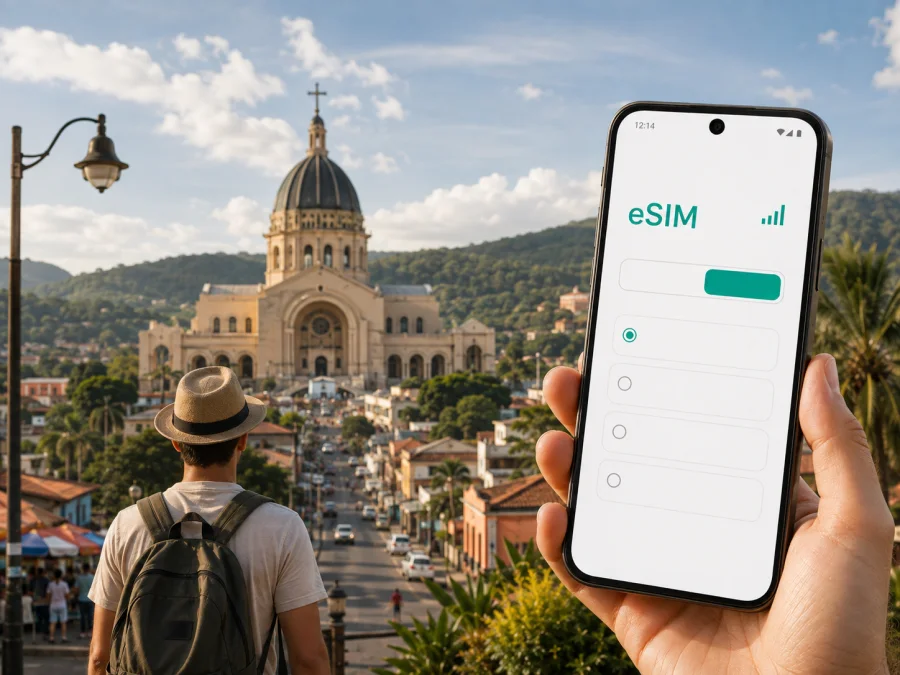
Caacupe eSIM for Mobile Connection and Internet on the Road
Caacupe is a useful destination for a short religious visit, a weekend in the Cordillera area, or a stop on a road trip through Paraguay. A reliable mobile connection matters from the first hour: you may need a map for the transfer, a message to your accommodation, a route to the Basilica, or a way to tell a travel companion that your arrival time has changed.
An eSIM, or digital SIM card, can help you prepare mobile internet for Caacupe without removing the physical SIM already in your phone. With a suitable eSIM tariff, you can use data for navigation, messaging, reservations and work while keeping your usual number available for calls or messages if your device supports dual SIM. The experience depends on the phone, the tariff conditions and the local network used by that tariff, so a few checks before departure are worthwhile.
Arriving in Caacupe from the Asunción area
Most international visitors approach Caacupe through the Asunción area. Silvio Pettirossi International Airport is in Luque, within the wider metropolitan area, rather than in Caacupe itself. The remaining journey is by road. Caacupe is in the Department of Cordillera and lies on the route linking Asunción with the interior, so travel time varies with traffic, the transfer point, road conditions and the hour of travel.
That is why an eSIM can be useful before the town is visible. After landing, you may need to:
- Confirm the address and check-in time with your accommodation.
- Open the map and compare the suggested route with the driver’s plan.
- Share arrival details with a companion or host.
- Save the location of your first stop before leaving the airport area.
- Keep enough battery for navigation during the road journey.
Download essential information on stable Wi‑Fi, then test the travel data line before the transfer. A driver may use a different entrance or a meeting point may change, so mobile internet lets you update the plan.
The Basilica and Caacupe’s central area
The Basilica of Our Lady of Miracles is Caacupe’s defining landmark and the centre of its importance as a pilgrimage destination in Paraguay. Many visitors use the sanctuary as their main reference point when arranging a walk, accommodation or a meeting. A map with mobile data is helpful when you arrive from another direction or when a familiar landmark is not visible from your street.
The calendar changes the rhythm of the town. December 8 is the principal feast day associated with Caacupe, and the days around it bring a particularly large number of pilgrims. Access arrangements, walking times and transport patterns may differ from a quiet weekday. If your visit coincides with this period, confirm practical details with your accommodation and allow extra time for every part of the route.
Outside the busiest dates, build a simple central walk around the sanctuary and your accommodation, keeping the plan flexible. Heat, rain, a religious service or a crowded street can make a short route take longer than it appears on a map. Mobile data lets you check a route or send a message without making the visit revolve around your phone.
Choosing an eSIM tariff for a Caacupe trip
The right tariff depends on the whole itinerary, not only on the city name. Caacupe may be a one-day pilgrimage stop, a weekend base, a work destination or one stage of a wider Paraguayan road trip. Start with the country or regional validity shown in the tariff details, then estimate your daily data use.
| Travel pattern | Likely data tasks | What to consider |
|---|---|---|
| Short central stop | Maps, messages and reservations | A smaller allowance may suit light use if information is prepared in advance. |
| Weekend visit | Navigation, chats, weather and photo uploads | Leave room for repeated map use and occasional media. |
| Pilgrimage period | Route changes, live coordination and messaging | More headroom can be practical when streets and meeting points are busy. |
| Work trip | Email, documents, app calls and possible hotspot use | Check the tariff conditions before relying on tethering. |
| Road itinerary | Navigation between several stops and accommodation changes | Match validity to the full route, not only the Caacupe portion. |
When comparing options in Kaspersky eSIM Store, consider destination, data allowance, validity period and price together. More gigabytes are not automatically better: a light one-day visit and a week of remote work have different needs. Video, automatic photo backup and software updates can consume data quickly, so review background usage before departure. The selected tariff determines details such as activation timing, top-up options and refunds.
Kaspersky eSIM Store is an app and website that helps users choose, arrange and activate an eSIM tariff for mobile internet during an overseas trip. It is not a replacement for a local mobile operator. The phone, tariff conditions and local network available at the time of use all affect the result.
For an itinerary that starts in the airport area and continues by road, choose an eSIM tariff for a trip to Paraguay after checking the full route. A country or regional option can be more practical when Caacupe is followed by another destination.
Install an eSIM before departure or after arrival
Installation is usually easier before departure, when you have a stable internet connection and time to read the instructions. Depending on the tariff, the validity period may begin at installation or at the first connection to a supported network. Do not assume that all eSIM tariffs use the same activation rule.
Before installation, check your device compatibility. The phone must support eSIM and may need to be unlocked for use with another operator. Regional versions of the same model can differ. If you need your regular number for calls, messages or two-factor authentication, keep the physical SIM active.
For operating-system-specific details, use the Android installation instructions or the iOS installation instructions. Menu names vary by manufacturer and software version, but the general sequence is as follows.
Installation steps
- Connect the phone to a reliable internet connection.
- Open the eSIM profile or QR code supplied after your tariff arrangement.
- In mobile-network settings, choose the option to add a mobile plan or eSIM.
- Scan the QR code or follow the on-screen installation flow.
- Label the new line clearly, for example “Paraguay travel”.
- Keep your regular line selected for calls and messages if you want its number.
- Select the travel eSIM for mobile data when you are ready to use it.
- Enable data roaming for the travel eSIM only if its instructions require it.
- Turn off automatic switching between lines if the phone could use the wrong data line.
- Test a map page or a short message before starting the road transfer.
If you install the profile at home, keep the QR code and confirmation available until the journey is complete. If you wait until Caacupe, use trusted Wi‑Fi for the installation stage, then check the data line. Connection can take a few minutes and depends on the phone and local network. Do not delete the eSIM profile during initial troubleshooting.
Navigation, transport and local movement
Caacupe is easiest to approach with a simple movement plan. Walking can suit nearby central destinations when the weather and your luggage allow it. A car, taxi or bus may be more comfortable for longer links, arrival with bags or a trip outside the centre. The suitable choice depends on the hour, traffic, weather, the exact address and the pilgrimage calendar.
Mobile data supports the small decisions that make transport smoother: check your location before entering a vehicle, send the destination address as text, compare routes, share your arrival time and save the accommodation pin for the return journey.
For a road transfer, screenshot the key address and keep it in your notes. For a walk, plan pauses and carry water in warm weather. During the large December pilgrimage, do not use a previous quiet-day journey as your timing estimate. Ask locally about temporary access arrangements and leave a buffer before a bus departure, meeting or appointment.
Hotels, stopovers and trips from Caacupe
Accommodation in Caacupe may serve a quiet overnight stay, a religious visit, a family gathering or a stop between Asunción and other destinations. Before arrival, ask the property for the exact address, check-in arrangement and preferred meeting point. Save the reply offline and keep the map location available through mobile data.
For a one-night stopover, organize the phone around arrival and departure: confirm the next transport, store the following destination and set an alarm with enough time for traffic. For a longer stay, test the walk from the accommodation on the first day.
If you plan to continue toward another town in Cordillera or return toward the Asunción area, choose validity for the entire route. Check the next address before leaving Caacupe, keep a charger close and avoid using the final data allowance on large downloads. A city visit is often only one part of the journey, so a tariff that ends before the return transfer is a poor match even if it was enough near the Basilica.
Business travel and remote work
A business visitor may have only a few hours in Caacupe. The useful sequence is simple: reach the meeting point, send an arrival message, open documents and leave enough time for the return transfer. Before departure, download files you are allowed to use offline and check whether work accounts require a login or authentication method that may not be available.
For an online call, choose a location where you can control noise and charging. Mobile data can provide continuity between the hotel, meeting and transport, but it is not a promise of a particular speed. If you use a laptop hotspot, review the tariff terms and watch consumption. Video, large attachments and software updates can use much more data than text messages.
Compact work checklist
- Confirm the meeting address and a backup contact.
- Test the travel eSIM, email and required work app.
- Make the travel eSIM the data line while keeping the regular number available if needed.
- Carry a charging cable and power bank.
- Disable automatic updates while using a hotspot.
- Save the return route before the meeting begins.
Four Caacupe travel scenarios
One-day Basilica visit: test the eSIM before leaving the Asunción area, use data for the road transfer and save the return meeting point. December pilgrimage: confirm access arrangements, leave earlier than usual and keep maps and messages available when streets are busy. Weekend Cordillera itinerary: select validity for every planned stop, prepare accommodation addresses and monitor background usage. Short work assignment: test email, app calls and hotspot settings, keep the regular number available if needed and reserve time for the return transfer.
The common principle is to choose the eSIM around the whole movement pattern. Data needs begin on arrival in Paraguay and may continue after you leave Caacupe.
Frequently asked questions
Is an eSIM useful for a short trip to Caacupe?
Yes. Even a one-day visit may require navigation, messages and booking details during the transfer and the walk through the central area. Choose the allowance and validity for the complete itinerary.
Should I install the eSIM before travelling?
Usually, installing it before departure is convenient because you have a stable connection and time to review the settings. Whether validity begins at installation or at first network use depends on the selected tariff.
Do I need an eSIM-compatible phone?
Yes. Check eSIM compatibility and make sure the phone is not operator-locked before arranging a tariff. Regional versions of one model can differ.
Can I keep my usual number?
Often, a compatible dual-SIM phone can keep the regular line for calls and messages while the eSIM is used for data. Review the phone’s line settings and disable data switching if necessary.
Will the eSIM cover every road outside Caacupe?
Do not assume that any plan suits every route. Check the destination and network conditions in the selected tariff, especially if your journey continues through Cordillera or beyond.
What if I use all the data?
Check the balance and any top-up options associated with the tariff. Reduce background use, switch large downloads to Wi‑Fi and keep key addresses available offline.
Prepare your Caacupe connection
Organize mobile internet before the road transfer, when you know your arrival address, the length of your stay and your next destination. Check the phone, read the tariff conditions, install the profile on a stable connection and test the data line with a simple map request. In Caacupe, use the connection for the practical details that make a visit smoother: finding the Basilica, coordinating transport, keeping a reservation, joining a work call or staying in touch with people at home.
When you are ready, choose an eSIM tariff for your Paraguay journey. Kaspersky eSIM Store helps you select, arrange and activate an eSIM for mobile internet abroad; the appropriate option is the one whose destination, data allowance, validity and conditions match your Caacupe itinerary.


