Travel connectivity guide
Dodoma eSIM: Mobile Internet for Travel
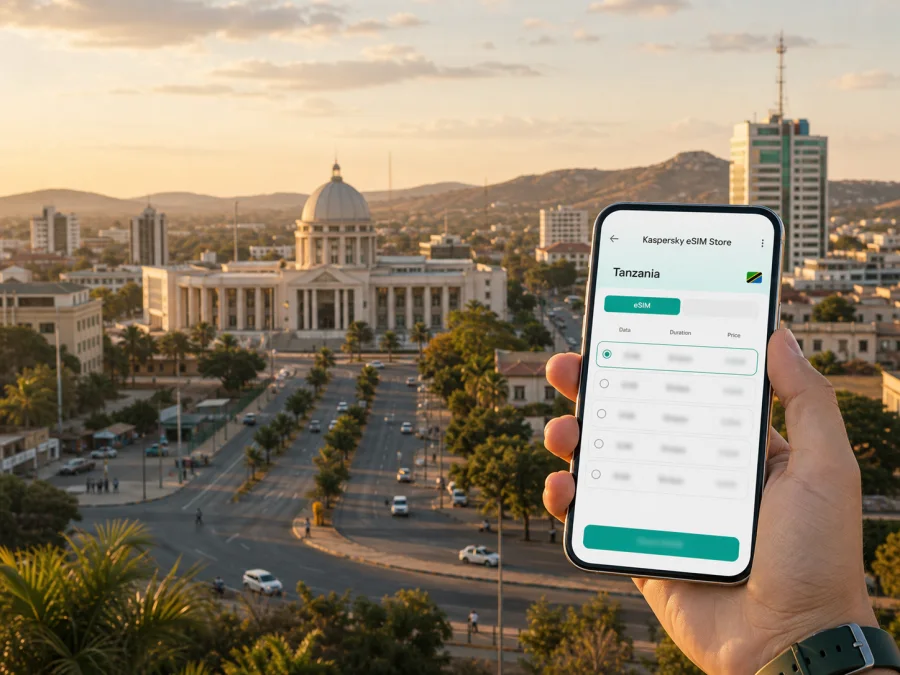
Dodoma eSIM: Mobile Connection and Internet for Travel
Arriving in Dodoma is easier when you can get online without searching for a physical SIM card. A reliable mobile connection helps you open a map, contact your accommodation, check a transfer and message colleagues from the first hour in the United Republic of Tanzania.
Kaspersky eSIM Store is an app and website that helps you choose, arrange and activate an eSIM with a suitable plan for mobile internet during an overseas trip. You can review the destination, data allowance, validity period and other terms of the selected plan before you decide. This is useful whether you are visiting Dodoma for meetings, passing through on a wider Tanzania itinerary or staying for several days.
Why an eSIM can be useful when you arrive in Dodoma
Dodoma is the capital of the United Republic of Tanzania and is located in the centre of the country. For a visitor, that central position often makes the city more than a final destination: it can be a meeting point, a stop on a road or rail journey, or a base for exploring nearby parts of the country. Each scenario creates small but important data needs.
At Dodoma Airport, you may need to confirm a pickup, share your arrival time or find the right onward transport. If you arrive by train or road, you may be checking a hotel address, opening a map or sending a message while carrying luggage. A mobile data eSIM can help you do these things without first locating a shop, handling a new physical card or changing the SIM you use for calls and messages at home.
The first hours are usually when connectivity is most useful:
- open a map while leaving the airport or station;
- contact a driver, hotel or host through a messaging app;
- check the latest booking details and directions;
- translate a short message when you need practical help;
- share your location with a colleague or family member;
- request a ride or compare the route with the time available;
- look up opening hours before crossing the city for an appointment.
An eSIM does not remove the need to plan your journey. It gives you a practical data option to consider before arrival.
Understanding Dodoma as a travel setting
Government offices, institutions, businesses, accommodation and residential areas are spread across a growing urban environment. Distances can matter, and a booking address may still require a map, an internet message or clear instructions to a driver.
The city centre and civic areas are useful reference points for many visitors. Places such as Nyerere Square give the central part of Dodoma a recognisable orientation, while government and institutional activity shapes many business trips. Hotels and guesthouses may be located in different parts of the urban area, so it is sensible to save the exact address and route before you leave your arrival point.
Dodoma also connects with journeys beyond the city by air, rail and road. Schedules and availability can change, so check current details for your dates. Mobile internet is useful when plans need to be adjusted between transport legs.
When you are likely to use the most data
Maps, short messages and occasional browsing usually require less data than video meetings, photo uploads or streaming. A remote-work schedule therefore needs a different allowance from a short stopover.
Use this simple planning guide:
| Your Dodoma trip | Typical online tasks | Planning focus |
|---|---|---|
| Short stopover | Arrival messages, maps, one or two bookings | A plan that covers the short stay and essential navigation |
| City break | Maps, restaurant research, messaging, reservations and photos | A comfortable allowance for daily movement and sharing media |
| Business visit | Email, documents, calls, calendar updates and hotspot questions | A suitable validity period and enough data for work routines |
| Extended stay | Repeated navigation, cloud services, updates and communication | Review the allowance regularly and consider whether a top-up is available under the plan terms |
| Multi-city route | Travel information, maps, bookings and messages between destinations | Confirm that the selected destination or region matches the complete route |
Before choosing, list the tasks you genuinely expect to perform. If you plan to use your phone as a hotspot, check whether that use is supported by the selected plan and device settings.
How to choose an eSIM plan for a trip to Dodoma
Start with the destination. A city page can help you think through Dodoma, but the plan itself is normally selected for the country or a wider region in which the city is located. Make sure the United Republic of Tanzania is included in the plan’s coverage area and that a regional option is suitable if your itinerary continues to another country or a different part of East Africa.
Then compare the terms that affect your daily routine:
- Validity period. Match it to the time you expect to use the eSIM. Add a little flexibility if your transport dates are not fixed, but read when the period begins under the selected plan’s terms.
- Data allowance. Estimate maps, messaging, browsing, work and media separately. Background updates can use data without being obvious, so review them before the trip.
- Usage pattern. A traveller who works from Dodoma needs more predictable data than someone who mainly checks directions and sends short messages.
- Route. If Dodoma is one stop in a longer itinerary, check whether a country plan or regional plan fits the whole route. Do not assume that a plan for one destination applies elsewhere.
- Device settings. Confirm that your phone can use eSIM and that it is not restricted by an operator. Some device versions differ by market.
- Plan conditions. Read details about activation, data use, top-ups, refunds and any limits on tethering before payment.
The Kaspersky eSIM Store flow is designed to keep these decisions visible. It helps you choose and arrange an eSIM plan for the destination, then manage the plan and balance through the profile or app. Kaspersky eSIM Store is not a mobile operator and does not own a network; the service helps you prepare the eSIM scenario for your trip.
When your route and data needs are clear, you can choose an eSIM plan for a trip to the United Republic of Tanzania and review the current terms for your dates.
How to install and activate an eSIM
Complete the process when you have a stable internet connection and enough time to read each screen. The eSIM profile is intended for a compatible, unlocked device. You can consult the Android installation instructions or the iOS installation instructions for the relevant device flow.
- Check the device. Make sure it supports eSIM and is not operator-locked. Some models vary by region of sale. Check your device compatibility before completing the purchase.
- Choose the destination plan. Select the country or region for your Dodoma itinerary and review the allowance, validity period, activation conditions and other terms.
- Complete the order. Keep the confirmation and QR code or profile details available in your email or Kaspersky eSIM Store account.
- Add the eSIM profile. Open mobile-network settings and follow the on-screen instructions, or scan the QR code when prompted.
- Choose mobile data. Label the line clearly, set the travel eSIM as the mobile-data line when ready and keep your primary line for ordinary calls or messages if needed.
- Activate carefully. Read when data use and validity begin under the selected plan’s terms. Connection may take a few minutes; some devices may require data roaming for the eSIM profile.
The eSIM is intended for mobile internet. It does not automatically provide a separate ordinary phone number, voice calls or SMS unless the selected plan specifically says otherwise. You can use messaging and calling apps over data, but keep the distinction clear when planning how family, colleagues or hotel staff will contact you.
What to check before buying
The first checkpoint is device compatibility. Look for eSIM support in your device settings or documentation and confirm that the phone is not locked to an operator. A device can be a recent model and still differ by country or sales region, so do not rely only on the model family name. Check this before you pay for a plan.
Next, review the plan itself. Confirm that it applies in the United Republic of Tanzania, that the validity period fits the dates of your Dodoma stay, and that the data allowance matches your expected use. Check whether the plan is data-only, how activation works, and whether top-ups or refunds are available under its terms. Conditions can vary, so the details shown for the selected plan are the ones to follow.
Use this short pre-trip checklist:
- eSIM support confirmed on your exact device;
- operator lock checked;
- destination or region matches the full itinerary;
- validity period matches your intended use;
- allowance suits maps, messages, work or media;
- QR code or profile details can be reached;
- primary SIM settings are understood;
- mobile-data and data-roaming options are identified;
- hotel, office and transport details are saved;
- support contact is available if a setup question arises.
If the profile does not appear after you follow the device instructions, check that you have an internet connection, that the QR code is complete and that you are adding the profile to the intended device. If the device shows a network problem after activation, review the mobile-data line and roaming setting before repeating steps. If questions remain, contact support with the device model, operating-system version and a description of what you see.
Scenarios for different Dodoma visitors
Business trip
If you are travelling for meetings, put the venue, hotel and airport or station on one map. Data can support calendar changes, documents, messages and route checks between appointments. If you work from a laptop, confirm hotspot rules and estimate that use separately from phone browsing. Keep your primary number available for ordinary calls or SMS.
Short stopover
A stopover benefits from simple preparation. Save the onward booking, share your arrival window, check the route to the next destination and choose a validity period that matches the time you expect to spend in the country.
Leisure stay
For a leisure stay, combine central walks with transport to accommodation, restaurants, cultural places or nearby excursions. Check the distance from your hotel to each day’s first stop and save important addresses. Photo uploads and video calls can use more data than messages, so include them in your estimate.
Multi-city itinerary
Dodoma may be one stage in a route that includes other Tanzanian destinations. Do not assume that a city plan applies to every country or region on the route. Compare the destination terms with the whole itinerary.
Frequently asked questions
Is an eSIM useful for a visit to Dodoma?
It can be useful if you want mobile internet for maps, messages, bookings and work without changing a physical SIM card. Its suitability depends on your device, route, data needs and the terms of the selected plan.
Does an eSIM give me a normal Tanzanian phone number?
Not automatically. eSIM plans in this travel context are intended for mobile internet and do not include an ordinary phone number, voice calls or SMS unless those features are specifically included in the plan conditions. Internet messaging and calling apps can be used over data.
Can I install the eSIM after I arrive?
You may be able to if the device is compatible and you have an internet connection. Preparing it before departure can simplify arrival, but activation timing depends on the plan’s terms. Some devices may require data roaming for the travel eSIM, so check the phone instructions and selected mobile-data line.
What if I visit another city after Dodoma?
Check the plan’s stated destination or region against the rest of your itinerary. If your next stop is in another country, a Tanzania plan may not be sufficient. Choose a wider plan only when its terms explicitly match the route.
What happens if I need help?
Check compatibility, internet access for setup, the selected mobile-data line and data roaming. If the issue continues, contact support with the device and the step where the problem occurred.
A calm way to prepare
For Dodoma, choose an eSIM plan around your actual route. Note where you will arrive, where you will stay, how often you will move across the city and whether you will work from a phone or laptop. Match the destination, allowance and validity period to those plans.
The essential sequence is simple:
- Check compatibility and operator lock status.
- Confirm that the destination plan applies to the United Republic of Tanzania and, if needed, the wider route.
- Compare data allowance, validity and activation conditions.
- Prepare the eSIM profile and keep the QR code accessible.
- Select the travel eSIM for mobile data when you are ready to use it.
- Monitor balance and settings while moving around Dodoma.
When you are ready, choose a suitable eSIM plan for your Dodoma trip, read the current conditions and prepare the profile on your compatible device. Kaspersky eSIM Store helps you move through the selection, arrangement and activation steps so that mobile internet is one less decision to make after arrival.


