Travel connectivity guide
Hisor eSIM: Mobile Internet for Tajikistan Trips
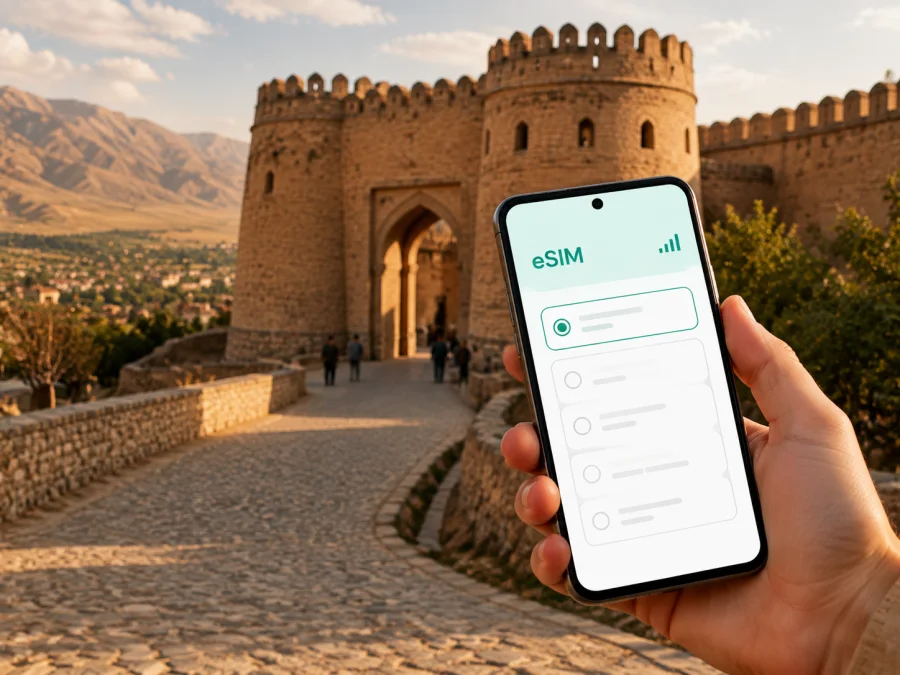
Hisor eSIM: Mobile Connection and Internet for a Trip to Tajikistan
Hisor is a useful base for travellers who want to see one of Tajikistan’s important historical places while keeping a connected phone. The city lies in the Hissar Valley, west of Dushanbe, and is closely associated with the Hisor Historical and Cultural Reserve and its fortress. A trip here can be a short stop, a day visit from the capital, or part of a longer journey.
In each case, mobile internet helps with the practical details: confirming an arrival, finding the right road, translating a sign, checking a meeting time, sharing a location, or keeping a map available while moving between the city and the fortress area. An eSIM can be prepared before departure, so you do not have to make finding a physical SIM card your first task after landing.
Why mobile internet matters in Hisor
Hisor is not a city where every travel decision is made inside one compact tourist district. A visitor may arrive through Dushanbe, stay in the capital, travel into Hisor for the fortress, continue through the surrounding valley, and then return the same day. Business travellers may have an appointment in the city while staying elsewhere. These routes create several moments when a working data connection is more useful than an offline plan alone.
You may need mobile data to:
- check the meeting point sent by a host, guide, or hotel;
- compare the route to Hisor with the route back to Dushanbe;
- use navigation when a road turns away from the main route;
- message a driver when the meeting time changes;
- translate a short phrase, check a reservation, or share a location;
- use a messenger for calls and messages when the selected eSIM tariff is data-only.
Public Wi‑Fi may be available in some hotels, cafés, or transport locations, but it is not a complete travel plan. It can be unavailable between stops, inconvenient when you are carrying luggage, or unsuitable for time-sensitive navigation. Mobile data gives you a more consistent way to handle small tasks as you move through Hisor and the surrounding area.
Hisor in one travel plan
The city is best understood as part of a route rather than as an isolated airport destination. For many international itineraries, Dushanbe is the practical arrival point. From there, travellers can arrange onward transport to Hisor, visit the historical reserve, and return to the capital or continue their trip. Journey time depends on traffic, road conditions, the vehicle, and the starting point.
Hisor’s main travel interest is the historical and cultural reserve. The fortress complex is associated with a large gateway, old and new madrasas, a caravanserai, a museum, and other monuments. Treat the reserve as a place for unhurried walking: a live map can help with orientation between open spaces and buildings.
You can combine the fortress with a meal, a short walk through the city, and an onward journey rather than compressing every stop into a quick photo break. If you are travelling with a guide or driver, keep the agreed meeting point and a backup contact in your messages.
A simple route logic
| Travel stage | What you may need online | Useful preparation |
|---|---|---|
| Arrival in Tajikistan | Message a host, open a map, confirm the next transfer | Install and prepare the eSIM while you have reliable Wi‑Fi |
| Dushanbe to Hisor | Follow the route and coordinate with a driver | Save the accommodation and meeting point in advance |
| Hisor city and reserve | Orient yourself between stops and read translated information | Download an offline map as a backup, but keep mobile data available |
| Return or onward trip | Check the next pickup, route, or reservation | Keep your phone charged and note the return time |
This pattern is especially useful for a short stopover. You do not need a complicated communications setup; you need the right data allowance for the length and intensity of the trip, plus a clear activation plan.
Moving around Hisor
Transport in and around Hisor is usually arranged according to the route rather than a single tourist transit network. Depending on your plans, you may use a pre-booked car, taxi, shared vehicle, or a transfer organised by a hotel or guide. Ask for the destination in writing. The spelling Hisor may appear alongside Hissar or Gissar, so keeping the place name visible can reduce confusion.
If you are using a driver, send a pin or a clear landmark before departure. The entrance to a historical site, a hotel gate, and a general neighbourhood name are not always interchangeable meeting points. A short message with the exact map location is easier to follow than a long verbal explanation, especially when several people are joining the same trip.
Navigation habits that save time
- Save the main destinations before leaving. Keep your accommodation, the Hisor Fortress area, the return meeting point, and the next city in your map history.
- Share the route with a companion. If the group separates in a market, museum, or open reserve, a recent location message is useful.
- Use landmarks as well as pins. A landmark helps when a driver cannot stop at the exact point shown by the map.
- Keep a local backup. A screenshot of the address, host’s phone number, and meeting time helps if the battery is low or the connection weak.
Navigation also matters for a work appointment, a return to Dushanbe, or a pickup point after sunset. A phone that can receive messages and load a map makes the day more predictable.
Choosing an eSIM tariff for a Hisor trip
Kaspersky eSIM Store is an app and website that helps you choose, arrange, and activate an eSIM with a suitable tariff for mobile internet during an international trip. The eSIM tariffs are intended for data use; they are not automatically a replacement for a local mobile operator and do not necessarily include a regular phone number, voice calls, or SMS. Check the conditions of the specific tariff before you rely on it for a particular task.
For a Hisor itinerary, select the direction for Tajikistan and then compare the terms that matter to your route. Look at the data allowance, validity period, price, and any activation details. If your trip includes Dushanbe, Hisor, and travel elsewhere in the country, confirm that the chosen direction covers the full route rather than assuming that a city name alone determines the service area.
It can be useful to choose an eSIM tariff for a trip to Hisor after you have estimated how you will use data. A traveller who mainly needs messages, maps, and occasional translation may use less data than someone who joins video calls, uploads large files, or shares a hotspot. Avoid choosing by the largest number alone: the appropriate option depends on the actual route and duration.
Data use depends on maps, messages, photo uploads, video calls, app settings, automatic updates, and background synchronisation. Before departure, disable unnecessary downloads and make sure your main map application has a usable offline area.
Before buying: a short device check
Before you choose a tariff, check that your smartphone supports eSIM and is not restricted by an operator lock. Device support can vary by model, regional version, and software configuration. You can check your device compatibility before payment. Also make sure you can access the email address or account where the eSIM details will be delivered.
Use this checklist:
- The phone supports eSIM.
- The phone is unlocked for another mobile profile.
- You know how to open mobile network settings.
- The phone can connect to Wi‑Fi during installation if required.
- You have enough battery for setup and the first route.
- Your primary SIM remains available if you need its ordinary number for calls or SMS.
- You have read the tariff’s validity and activation conditions.
Do not delete an existing profile just to make room without checking your phone’s options. If you are carrying two SIM profiles, label them clearly: for example, “Home” and “Tajikistan data”. This makes it easier to choose the correct line for mobile data after arrival.
How to install and activate the eSIM
Prepare the eSIM when you have stable Wi‑Fi and enough time to read each screen. The exact menu names differ between manufacturers, so use the instructions for your operating system: Android installation instructions and iOS installation instructions.
Step-by-step setup
- Check the purchase details. Confirm that the destination is Tajikistan and that the data allowance and validity fit the planned visit to Hisor.
- Open the eSIM details. Use the profile or QR code provided after the order, following the on-screen guidance.
- Add the mobile plan. In your phone’s mobile network settings, choose the option for adding an eSIM or mobile plan.
- Name the line. Give it a clear label such as “Tajikistan data” so you do not select the wrong profile later.
- Choose the data line. Set the travel eSIM as the line for mobile data when you are ready to use it.
- Keep the primary line under control. Decide whether the home SIM should remain enabled for ordinary calls and messages, and check the data-roaming setting for that line to avoid accidental use.
- Activate at the right time. Some tariffs begin their validity when activated or when they connect to a supported network. Follow the conditions of the selected tariff rather than activating far in advance without checking.
- Test the connection. Once in Tajikistan, turn off Wi‑Fi for a moment and open a small webpage or map. If necessary, check that mobile data is assigned to the travel eSIM and follow the troubleshooting steps in the instructions.
Activation can take several minutes and depends on the device and local network. If a connection does not appear immediately, avoid repeatedly deleting and reinstalling the profile. First check the selected data line, signal, device settings, and tariff conditions. If the issue remains, contact support with the order details and the steps you have already tried.
Staying connected during a day in Hisor
A practical day plan should balance exploration with simple phone habits. Start with sufficient charge, keep the eSIM details accessible, and store the return plan before leaving your accommodation. If you have a guide, agree on a meeting point and time that allows for walking between monuments.
At the fortress and nearby sites, use your phone for orientation and notes rather than continuous video. Save the names of places you want to ask about. A translation tool can help with a short phrase, while a guide or local person may clarify a route quickly.
For a business visit, separate work-critical tasks from sightseeing. Download files before the journey, keep meeting details in two places, and leave time between transfers. If a meeting needs video, check the venue in advance and keep a text alternative.
A compact travel checklist
Before departure
- Check eSIM and operator-lock compatibility.
- Choose a Tajikistan tariff for the route and length of the trip.
- Install the eSIM over a reliable connection.
- Save hotel, driver, and meeting details.
- Download an offline map and key translations.
- Pack a charger or power bank.
On arrival
- Select the travel eSIM for mobile data.
- Confirm the correct data-roaming setting for that eSIM if the tariff instructions require it.
- Send a short test message or open a map.
- Confirm the route from the arrival point to Hisor or your accommodation.
During the city visit
- Keep the return meeting point visible.
- Use data selectively for maps, messages, and translation.
- Recheck the next transfer before leaving the fortress area.
- Watch battery level and data usage.
Common questions about an eSIM in Hisor
Is Hisor suitable for a city-focused eSIM plan?
Yes, if your trip is centred on Hisor and the wider route is covered by the Tajikistan direction you select. Choose the tariff for the country and itinerary, then confirm its conditions before activation.
Do I need a local phone number?
Not necessarily for maps, messaging apps, translation, and many online travel tasks. A data eSIM usually does not include an ordinary phone number, voice calls, or SMS unless the specific tariff says otherwise. Keep your main SIM active if you need its number, and check its roaming conditions.
What should I do if the connection does not start?
Check that the eSIM is installed, selected for mobile data, and allowed to connect under the device settings. Confirm signal and activation conditions, restart the relevant connection if the instructions suggest it, and contact support if the issue continues.
A calm final preparation
Hisor rewards a practical approach: arrange the route, allow time for the historical reserve, keep a clear return plan, and make sure the phone is ready before leaving Dushanbe. An eSIM does not replace good planning, but it can simplify the small digital tasks that shape a day in an unfamiliar place.
Before you travel, check compatibility, choose the data allowance that matches your route, and install the profile over a reliable connection. When the details are ready, prepare an eSIM tariff for your Tajikistan trip and visit to Hisor. Then keep your maps, messages, and travel contacts close at hand while you explore the city and its historical surroundings.


