Travel connectivity guide
Honor 200 Pro 128GB eSIM: Compatibility Guide
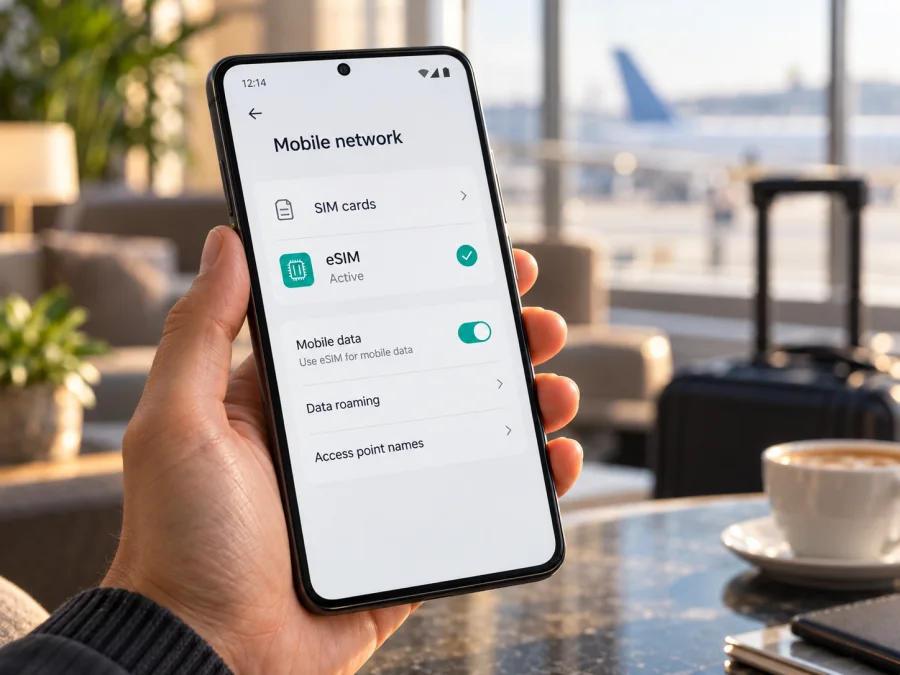
Honor 200 Pro 128GB eSIM: compatibility and setup guide
The Honor 200 Pro 128GB can use eSIM in markets where the regional version includes the feature. HONOR’s current support information lists the HONOR 200 Pro among eSIM-compatible phones, and regional specifications show eSIM as SIM 2. However, HONOR explicitly warns that eSIM may not be available on every phone depending on its country of origin. The 128GB storage label alone does not confirm that an individual unit has eSIM enabled. Check the phone’s settings and EID before choosing a plan.
Honor 200 Pro 128GB eSIM at a glance
| Item | What to know |
|---|---|
| Device variant | Honor 200 Pro 128GB |
| eSIM status | Supported on listed regional variants; verify the country-specific unit |
| SIM arrangement | HONOR specifications describe SIM 2 as eSIM; some dual-SIM versions may allow SIM 2 to be configured as eSIM or nano-SIM |
| Network generations | The official specifications list 5G, 4G LTE, 3G, and 2G; service depends on the carrier and local network |
| EID | A compatible handset should expose an EID, a unique identifier for its embedded SIM hardware |
| Travel use | A compatible, unlocked phone can add a travel profile and use it for mobile data where the plan has coverage |
| Main caveat | Market, country of origin, software, carrier restrictions, and the exact unit can affect availability |
Does the Honor 200 Pro 128GB support eSIM?
The model family has official eSIM support. HONOR’s eSIM support page includes the HONOR 200 Pro, and HONOR product specifications in supported markets identify an eSIM option under SIM 2. That is a positive answer for the supported regional configuration, but it is not a guarantee that every Honor 200 Pro 128GB sold worldwide has the same feature.
HONOR notes that country of origin can affect eSIM support even when a model appears on its compatibility list. A phone intended for a market where eSIM is unavailable may omit the setting or use a different SIM arrangement. Imported, carrier-customized, or refurbished devices need particular care: the model name printed in an online listing may not describe the hardware and software configuration precisely. The 128GB capacity does not resolve that uncertainty.
Before buying a plan, look for both a usable “Add eSIM” control and an EID on the phone itself. Ask the seller for the original sales region and the complete model number if you cannot inspect the device. If the seller cannot confirm the feature, treat compatibility as unverified. A physical SIM tray with two positions does not by itself rule out eSIM, because the second position may be configurable; equally, a SIM menu does not prove that the phone can download an eSIM profile.
What to check before choosing a travel plan
Use this checklist on the actual handset, rather than relying only on the advertised model name:
- [ ] Check for an EID. Open Settings and look under About phone, Status, or device information. HONOR’s published directions give Settings > About phone > EID. Menu labels can differ by software version. You can also check the original box or ask the seller, but confirm against the device when possible.
- [ ] Find the eSIM menu. Open Settings > Mobile network > SIM management and look for Add eSIM. On some versions, the path or label may vary. A visible, selectable Add eSIM option is useful evidence; a greyed-out or missing control needs clarification.
- [ ] Confirm the regional variant. Check the exact model number, country of origin, and seller’s stated region. Ask whether eSIM works on that unit, not merely whether the HONOR 200 Pro family supports it.
- [ ] Check the network lock. The phone should be unlocked for the travel profile and destination network you intend to use. Ask the original carrier or seller if the status is uncertain.
- [ ] Review the plan conditions. Confirm that the destination or every country on your route is covered, the validity period fits your dates, and the data amount suits your use. Check when validity begins and whether the plan is data-only.
- [ ] Prepare a reliable connection. Profile installation normally needs internet access. Install before departure over Wi-Fi if convenient, and keep the QR code or activation details accessible on another screen or in the instructions supplied with your plan.
- [ ] Update and restart if needed. Install available official system updates before travel. If the eSIM menu is unexpectedly absent, restart once and check again before concluding that the handset supports the feature.
Both an EID and a working Add eSIM option are useful evidence, but they do not confirm carrier unlock status or a particular plan’s acceptance. If neither appears, ask HONOR or the seller to verify the exact model and region before buying a plan.
For a short recap, see the device compatibility checklist.
How to install and activate an eSIM
On supported versions, open Settings > Mobile network > SIM management > Add eSIM. Keep the phone connected to Wi-Fi and use the QR code, manual activation details, or assigned-plan option supplied for your specific plan. Installation downloads a profile; activation may happen later according to the plan’s rules.
- Check the handset. Confirm the EID and Add eSIM option on this Honor 200 Pro 128GB, and make sure the phone is unlocked.
- Prepare the details. Display the provider’s QR code on another screen or have its manual activation information ready. Keep the phone online over Wi-Fi.
- Add the profile. In SIM management, tap Add eSIM, scan the code, or enter the details if offered. Check the plan shown and confirm the download. A code may be single-use, so do not scan a used code repeatedly.
- Finish setup. Wait for the download to complete, then label the line “Travel” and make sure the profile is enabled. If an error appears, note its wording and contact the provider before deleting the profile.
- Select data and activate. Choose the travel profile for mobile data when you are ready. Turn on data roaming for that profile only if the plan instructions require it. Check when validity begins: it may start on installation, first connection, or a separate activation action.
HONOR also describes manual entry and pre-assigned plans as possible methods, but the available options depend on device region and provider. For step-by-step operating-system guidance, see the Android eSIM installation instructions or the iOS eSIM installation instructions. The iOS page is for comparison; the Honor 200 Pro uses Android menus.
When your phone passes these checks, review device compatibility before choosing a plan. Kaspersky eSIM Store is an app and website where you can choose, arrange, and activate an eSIM with a mobile-data plan for a trip abroad. Compare destination coverage, data allowance, validity, and activation conditions for your itinerary.
Using the eSIM for mobile data while travelling
Install over Wi-Fi before departure if the plan permits it, but follow its validity rules: some plans start at installation or enablement. If setup must wait until arrival, save the instructions where you can reach them offline.
On arrival, open SIM management and select the travel eSIM for mobile data. Verify that the profile is enabled, mobile data is on, and the correct line is selected for data. Some travel profiles require data roaming because they connect through partner networks. Follow the plan instructions and enable roaming for the travel profile when required. Check the selected SIM carefully so that you do not unintentionally use your home line’s roaming data.
The Honor 200 Pro may retain a physical SIM for your everyday number while using the eSIM for data, subject to the version’s supported SIM arrangement. This can be useful if you need to receive an SMS on your usual number while using travel data. Keep in mind that retaining the line does not make calls or texts free; your home carrier’s rates still apply. A travel data eSIM generally does not replace your regular number or include voice calls and SMS unless its specific plan says otherwise. Internet calling and messaging apps can use the data connection.
For a multi-country itinerary, check that the plan covers each destination, not simply the first country. Network availability and speed depend on the local carrier, signal, congestion, handset bands, and the plan’s terms. A 5G-capable phone does not guarantee 5G service in every location; the phone may use 4G or another supported network where that is what is available. Avoid relying on one network-generation label as a promise of coverage.
Monitor usage in phone settings and the provider’s account or app when available. Maps, video, cloud backups, and photo uploads can use data quickly, so download travel documents in advance and review your remaining allowance.
Common problems and what to try
“Add eSIM” is missing
Look for an EID under Settings > About phone, then check Settings > Mobile network > SIM management. Restart and install available official updates. If the EID or Add eSIM option is still absent, the phone may be a regional configuration without eSIM. Ask HONOR or the seller to check the complete model number and country of origin.
The QR code will not scan or the profile will not download
Make sure the full code is visible and the camera can focus; try manual entry only if the provider supplied details. For download errors, confirm Wi-Fi access, restart, and retry once. Check that the code is valid and has not already been used. Save the error message and ask the provider for help rather than deleting a partly installed profile.
The eSIM is installed but there is no signal
Confirm the profile is enabled and the plan covers your current country. Toggle airplane mode, restart, and allow a few minutes for network registration. Check automatic network selection unless the plan instructions say otherwise. If there is still no service, confirm the plan is active, the handset is unlocked, and the local network is supported.
The phone has signal but no mobile data
Select the travel eSIM as the data line, enable mobile data, and check the plan’s remaining allowance and validity. If required, turn on data roaming for that eSIM. Use APN details only when provided by the plan provider. Check that data has not switched to the home SIM; contact its carrier if unexpected roaming charges appear.
Setup worked at home but activation has not
Some profiles register only in a destination country or on a supported network. Check the plan’s start conditions and wait until you are in coverage. Do not remove the profile unless the provider instructs you to; reinstallation may not be available for a single-use code.
Frequently asked questions
Does 128GB mean this version supports eSIM?
No. Storage capacity identifies the advertised configuration but does not establish its country of origin or SIM hardware and software. Check the EID and Add eSIM option on the actual phone and verify the regional variant with the seller.
Is an EID enough to prove that my plan will work?
An EID indicates the phone has an embedded SIM identifier, but it does not establish that the handset is unlocked, that a profile is accepted by a particular provider, or that the destination has coverage. Check all three before travel.
Does a travel eSIM keep my usual phone number?
The eSIM adds a profile; it does not automatically transfer or replace the number on your physical SIM. A travel data plan usually provides mobile data only. Keep your regular line as needed and check its carrier’s roaming charges for calls and messages.
What if I cannot tell which Honor 200 Pro variant I have?
Open About phone and note the complete model and software information. Check the original packaging or purchase record for the sales region, then ask the seller or HONOR support to confirm whether that exact unit includes eSIM. Do this before buying a plan.
Final device check and eSIM for your trip
Before you travel, confirm the full Honor 200 Pro 128GB variant, find its EID, and make sure Add eSIM is available in SIM management. Verify that the phone is unlocked and that the selected eSIM plan covers your route, offers suitable data and validity, and explains when activation begins. If the device’s region is unclear, ask the seller or HONOR to confirm support before checkout.
Once the handset passes those checks, Kaspersky eSIM Store can help you choose, arrange, and activate an eSIM with a mobile-data plan for your trip abroad through its app or website. Install the profile using the provider’s instructions, select it for mobile data when appropriate, and keep your everyday SIM settings in mind. That short pre-trip check makes it easier to arrive prepared without assuming every 128GB unit has the same regional configuration.


