Travel connectivity guide
Irkutsk eSIM: Mobile Internet Travel Guide
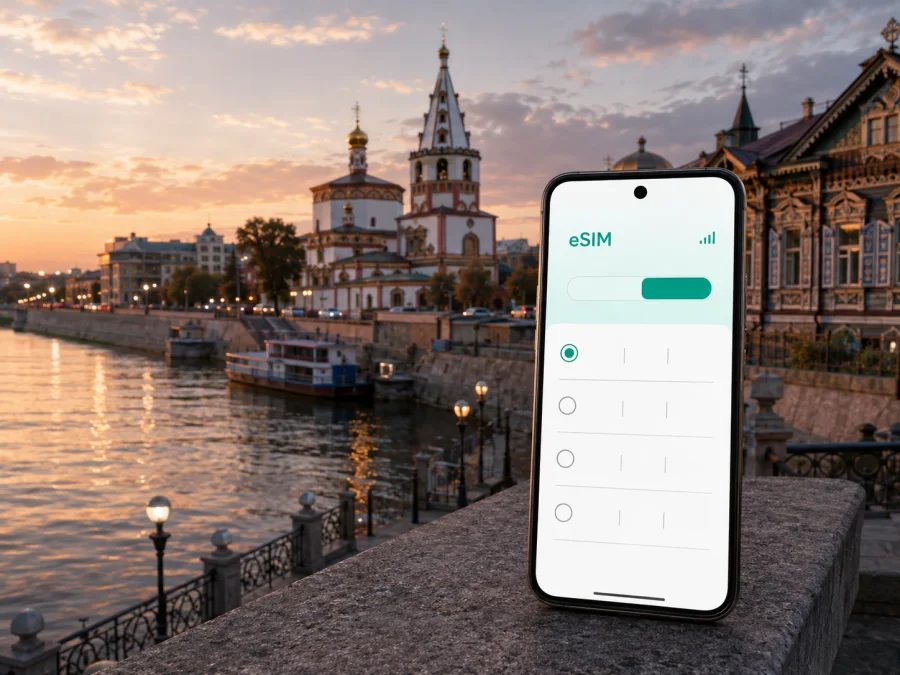
Irkutsk eSIM for a dependable mobile connection and internet
Irkutsk can be a destination in its own right, a stop on the Trans-Siberian route, or a base before travelling towards Lake Baikal. You may arrive at Irkutsk International Airport, change trains at Irkutsk Passenger station, stay near the historic centre, or combine a business meeting with a short city visit. In each case, mobile internet helps with arrival details: finding a transfer, opening a booking, messaging a host, checking a map and confirming the next address.
An eSIM, or digital SIM, lets you keep travel data separate from the physical SIM card you use at home. You choose a suitable tariff for the Russian Federation, complete the order and install the digital profile on a supported phone. Kaspersky eSIM Store is an app and website that helps you select, order and activate an eSIM tariff for mobile internet during an international trip.
When mobile internet is useful in Irkutsk
The first hours after landing are usually practical rather than scenic. At Irkutsk International Airport, identified by the IKT code, you may need to confirm a transfer, find the correct pick-up area, send your accommodation details or check the route into the city. At the railway station, a map and a written address can make the walk or transfer to your hotel easier.
An active travel connection can help you:
- open a map while leaving the airport or station;
- message a host, driver, colleague or travel companion;
- check a reservation and its entrance details;
- translate a short instruction;
- share an updated meeting point;
- keep transport and accommodation information available while moving around.
Prepare large downloads and backups over Wi-Fi, then use the travel eSIM for navigation, messages and changes. Video calls, photo uploads and cloud documents require more data than occasional map checks.
Arrival checklist
Before departure, keep these details in an offline note as well as in your usual apps:
- Your hotel, apartment or host address.
- The arrival point and first destination.
- A contact for the accommodation or transfer.
- Any booking, ticket or meeting detail needed before reaching Wi-Fi.
An eSIM does not replace this preparation. It gives you a practical way to reach updated information while you are between the terminal, transport, hotel and city streets.
Getting around the city
Irkutsk combines broad avenues, older central streets, riverfront spaces and districts that may require a longer transfer. A day can include walking near the Angara, public transport and a taxi with luggage.
Public transport in Irkutsk includes buses, trams and trolleybuses. Routes, stops, timetables and payment methods can change, so check current details in the transport service you use. Mobile data helps you confirm a stop and adapt to weather, traffic or a changed meeting.
The historic centre and 130th Quarter
The historic centre, the Angara embankment and the 130th Quarter are natural areas for a walking itinerary. You might move between wooden architecture, museums, cafés and restaurants, but even a short route benefits from a map: a venue may have a side entrance, a booking may use a courtyard address, and a walk with luggage is different from a walk for sightseeing.
For a central walking day:
- save the next destination before leaving the hotel;
- check directions at major turns instead of keeping the map open constantly;
- keep reservations and meeting points in a note;
- agree on one clear meeting point when travelling as a group.
Download or save what you can over Wi-Fi. Use mobile data for the parts that change: a new route, an unanswered message or a last-minute booking.
Public transport, taxis and transfers
When several districts are on your schedule, a route application can show where to change and how far the final stop is from the destination. Do not assume that the morning route will remain the best one in the evening. A meeting may move, a road may be busy, or a winter walk may take longer than expected.
For an airport transfer or a late arrival, data is useful for reading a driver’s message, checking the pick-up point and sharing the correct entrance. Send a full written address when possible and keep it in your notes. This is helpful when the building stands on a large street but the entrance is reached from a courtyard or side street.
How to choose an eSIM tariff for Irkutsk
Choose around the complete itinerary rather than the first hotel. If Irkutsk is one stop in a wider Russian Federation journey, check that the selected destination applies to the rest of the route. If you are continuing towards Lake Baikal, count those days and transfers before deciding on validity.
Kaspersky eSIM Store helps you review the destination, data volume, validity period and price before activating the selected eSIM. The suitable package depends on your routine; there is no universal choice for every city break or business trip.
| Irkutsk travel pattern | Main data tasks | Planning point |
|---|---|---|
| Short stopover | Map, messages, one or two bookings | Prepare routes and use mobile data for changes |
| City break | Navigation, translation, searches, photos | Allow for repeated route checks and uploads |
| Business visit | Email, documents, meeting tools, messages | Check the meeting format and hotel Wi-Fi |
| Irkutsk plus Lake Baikal | Transfers, accommodation messages, maps | Cover the full route and validity period |
| Flexible or longer stay | Regular data and possible top-ups | Read the balance and top-up conditions |
The table is a planning guide, not a consumption guarantee. Video, automatic photo backup and app updates can use much more data than text messages, so disable automatic updates over mobile data if you want a more predictable balance.
Three questions before ordering
Where will you use the tariff? Select the Russian Federation when the itinerary is within the country. If you cross a border later, check whether another regional option is required for that part.
How long will you need it? Count arrival, city nights and onward travel. A package that covers only your Irkutsk stay may expire before the wider journey ends.
What will you do online? List essential tasks first: maps, messages, reservations and work. Add video, tethering or frequent uploads only after checking the tariff conditions for those uses.
After making those decisions, you can choose an eSIM tariff for your trip to Irkutsk and review the available conditions for the Russian Federation. Compare the package size and validity period before completing the order.
Plans for different kinds of visit
Short city break. Save the hotel address and first route before departure. Use data for navigation and messages, while using hotel Wi-Fi for backups and updates.
Business trip. Test your meeting, document and messaging apps in advance. Leave time between meetings, and check the tariff conditions before relying on tethering.
Short stopover. Choose one compact area, save the return route and keep a generous departure margin. Data is most useful for orientation, changed transfers and essential messages.
Journey towards Lake Baikal. Count the extra days and transfers, confirm the next address before leaving Irkutsk, and keep confirmations offline. City routines may not apply to every outdoor part of the route.
Install and activate the eSIM
Before installation, confirm device support, make sure the phone is not carrier-locked, and arrange internet access for setup. You also need the QR code or profile supplied after the order. If the QR code is displayed on the phone you are configuring, open it on another screen or use the alternative method available in your account.
1. Check the device
Confirm that the exact phone model supports eSIM and is not restricted by an operator. Versions can differ by market. You can also check your device compatibility before purchase.
2. Open the order details
Use the Kaspersky eSIM Store app or website to locate the QR code or installation information. Keep your home SIM active until you decide which line will handle calls and messages.
3. Add the eSIM profile
Open mobile network settings and choose the option for adding an eSIM or mobile plan. Scan the QR code or follow the on-screen steps. For device-specific help, use the Android installation instructions or iOS installation instructions.
4. Select mobile data
Choose the travel eSIM as the mobile-data line. Decide whether the home SIM should remain available for its regular number. Travel eSIM tariffs are intended for mobile data and do not include a regular phone number, voice calls or SMS unless the conditions of a specific tariff state otherwise.
5. Activate at the appropriate time
Some travellers install before departure and activate after landing; others complete setup once they have a reliable connection in Irkutsk. Follow the selected tariff’s rules because the start of validity and data use can depend on the plan. Activation or connection may take several minutes and can depend on the phone and local network.
6. Test the essential functions
Open a map, send a short message through an internet application and confirm that the eSIM is the data line. If it does not connect, check the profile, data-line selection and tariff status before changing several settings. On some devices, data roaming must be enabled for the travel eSIM. This setting should not be confused with enabling roaming on the home SIM without checking its conditions.
Data habits that work well in the city
- Before leaving the hotel, load the first route and send time-sensitive messages over Wi-Fi.
- While walking or using transport, keep the next stop and accommodation address in a note; use navigation when needed and lock the screen afterwards.
- At a meeting or café, use Wi-Fi for large files when appropriate, then review mobile-data use at night so automatic backup, video and uploads do not change your estimate unexpectedly.
Important limits to understand
An eSIM is a digital SIM profile, not a phone number by default. In this travel scenario, its main purpose is mobile internet for maps, email, reservations and messengers. Ordinary calls and SMS are not included unless the individual tariff says otherwise, so retain the home line if you need its number.
Read the exact conditions before ordering: destination, data volume, validity, activation rules, top-up options and refund terms. Conditions vary by tariff. An activated eSIM may not be transferable to another device if the tariff or profile rules do not allow it, so install it on the phone you intend to use.
With dual SIM, choose the travel line for mobile data and turn off automatic data switching if your phone offers that option. This helps prevent the home line from using roaming data unexpectedly. When you return, review the settings and restore the home line to its normal role.
If the connection does not appear
Work through these checks in order:
- Confirm that the eSIM profile is enabled.
- Confirm that it is selected for mobile data.
- Check that the tariff has started and still has data available.
- Check the signal indicator after moving to another location.
- Review whether data roaming is required for this eSIM profile.
- Restart the phone if the installation instructions recommend it.
Do not delete the eSIM profile as a first response. Depending on the profile conditions, removal can make reinstallation difficult or impossible. If the problem remains, collect the order details, device model, installation status and exact error message, then contact support.
Frequently asked questions
Is an eSIM useful for a trip focused on Irkutsk?
Yes, if you need data for arrival, maps, messaging, bookings or work while moving around the city. It is useful when you want to keep your physical home SIM in the phone. Choose around the full itinerary.
Should I choose a city or Russian Federation destination?
Choose the destination that matches the tariff’s stated validity and your route. If the journey includes Irkutsk and further travel in the country, a Russian Federation option may suit the full route when available. Always read the current conditions rather than assuming a city name defines the geographical area.
Can I use it for calls and SMS?
Not by default. The travel eSIM is intended for mobile internet and does not include a regular number, voice calls or SMS unless the selected tariff expressly includes them. Internet applications can handle communication when you have data.
Prepare for your trip
Before departure, check the phone, review the tariff conditions, make the order details accessible and save your first addresses. If allowed, install the eSIM in advance, label the two lines and keep key information offline. On arrival in Irkutsk, select the travel line for mobile data and test a map and message.
For a city break, business visit, stopover or journey beyond Irkutsk, the essentials are the same: a supported phone, a tariff valid in the Russian Federation, enough data for your routine and a validity period covering the actual route. Kaspersky eSIM Store helps you select, order and activate an eSIM tariff for mobile internet during an international trip.
Choose an eSIM tariff for Irkutsk
Choose an eSIM tariff for your Irkutsk trip after checking the package size, validity, activation rules and other conditions. Install the profile with the required internet access, select it for mobile data and keep your arrival information available offline.


