Travel connectivity guide
Kristiansand eSIM: Mobile Internet for Travel
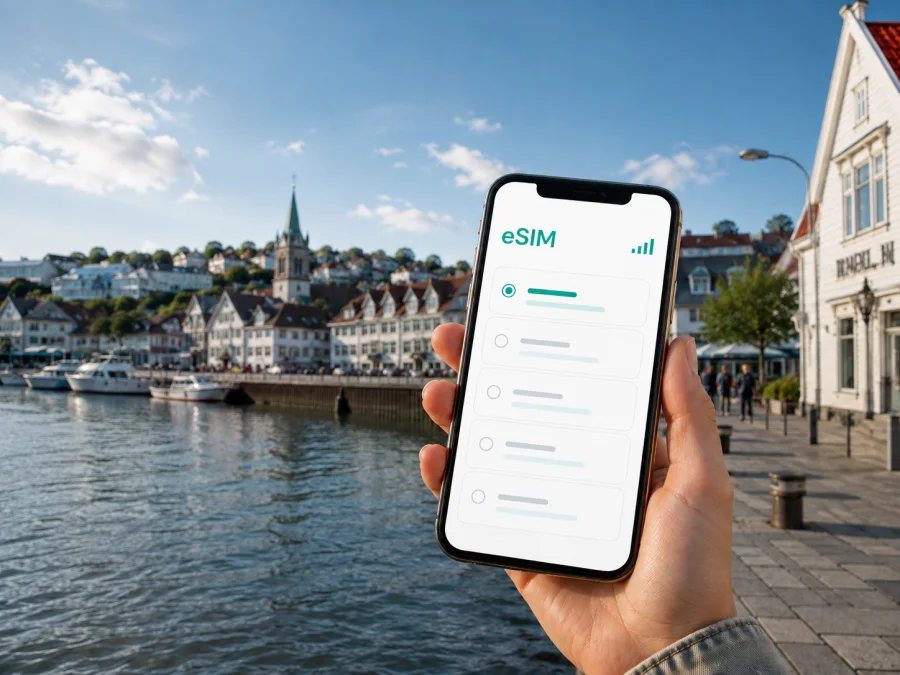
Kristiansand eSIM: mobile connection and internet for your trip
Kristiansand is a practical base for a trip to southern Norway. You may arrive by air, train, bus, car or ferry, then move between the compact centre, the waterfront, beaches, business venues and coastal stops. A reliable mobile connection makes those first decisions easier: you can check a transfer, open a map, read a booking message or contact your hotel without looking for a physical SIM card.
An eSIM, or digital SIM, is useful when you want mobile internet in Norway while keeping your regular SIM available for calls or messages. Kaspersky eSIM Store is an app and website that helps you choose, arrange and activate an eSIM with a suitable data plan for a trip abroad. The right option depends on your route, how long you will stay and how much data you expect to use.
Why mobile internet matters in Kristiansand
Kristiansand is easy to explore at a relaxed pace, but a visitor still makes many small, time-sensitive choices. You may need to find the correct stop after leaving the airport, follow a walking route through the centre, confirm a ferry departure, locate a hotel entrance or change plans when the weather shifts. Mobile internet keeps those tasks in one place.
It is especially useful for:
- checking a route from Kristiansand Airport, Kjevik, to your accommodation;
- viewing public transport information and stop changes while moving around;
- using maps in Kvadraturen, Posebyen, Odderøya and the harbour area;
- opening hotel, restaurant, museum or attraction reservations;
- staying in touch with colleagues, family and travel companions;
- working from a hotel, meeting room or café when Wi-Fi is unavailable or inconvenient.
Arriving in Kristiansand: prepare the first hour
From Kjevik Airport to the city
Kjevik Airport is outside the central area, so your first task is usually to continue by airport bus, local transport, taxi or a pre-arranged transfer. The best choice depends on your arrival time, luggage and accommodation. Before landing, save the hotel name and address in your booking app, but keep a live connection available as well: routes, pickup messages and service information can change.
A simple arrival checklist is:
- Keep the accommodation address available offline and in your travel app.
- Check the next transfer after collecting your luggage.
- Compare the suggested arrival point with your hotel or apartment address.
- Follow the route while travelling instead of relying only on a screenshot.
- Confirm check-in instructions before leaving the airport area.
If you arrive late or have a short connection, the priority is a working map, a way to contact the accommodation and enough data to handle a change. Prepare the eSIM before departure when possible, so that the profile is ready when you need it.
Ferry, train and bus arrivals
Kristiansand is also a transport point for regional journeys. A ferry passenger may need to continue from the harbour; a rail or bus passenger may walk or take local transport to a hotel in the centre. In each case, know the destination name, check the route after arrival and keep your regular number available for important messages if you use dual SIM.
| Stopover task | Why data helps | Good preparation |
|---|---|---|
| Finding the next stop | The route depends on your exact arrival point | Save the connection details and address |
| Reaching a hotel or meeting | The entrance may not be on the main street | Keep the booking and contact message accessible |
| Checking a departure | Times and platforms can change | Review the journey shortly before leaving |
| Meeting a driver or colleague | Pickup points can be hard to describe | Share a precise location in a messenger |
Staying connected around the city
Kvadraturen and the waterfront
The central grid of Kvadraturen is a natural starting point for many visitors. You can walk between shops, cafés, public buildings, the harbour and accommodation, but a map remains useful when streets look similar or a meeting point is on the edge of the centre. The waterfront adds another flexible situation: a walk may turn into a restaurant reservation, a museum visit or a transfer to another part of the city.
Posebyen, Odderøya and Bystranda
Posebyen is known for historic wooden houses and quieter streets. Odderøya offers paths, viewpoints and cultural spaces, while Bystranda is close to the centre and can become part of a flexible warm-weather itinerary. For all three, mobile data helps you find a specific address, coordinate with companions and check the next part of the day. Keep the phone charged if you plan to spend several hours outside.
Choosing an eSIM plan for Kristiansand
Start with the route, not with a package size. If Kristiansand is your only destination, a Norway plan with a validity period matching your stay may be enough. If you will travel onward to other Norwegian cities or across borders, check whether the selected option covers every country or region on your itinerary. The city name helps with planning, but coverage is determined by the plan’s stated destination.
Review these points before choosing:
- Validity: match the period to the whole time you expect to use the eSIM, including arrival and departure days.
- Data volume: consider maps, messaging, work calls, photo uploads, video and tethering.
- Route: confirm the country or regional scope for every planned stop.
- Activation terms: read when validity begins and what conditions apply.
- Device use: make sure your phone can use eSIM alongside your regular SIM if needed.
- Balance: check whether additional data is available and how balance information is shown.
For a weekend in central Kristiansand, a smaller package may suit someone who uses Wi-Fi for large downloads and mobile data for maps and messages. For a work trip with video meetings, cloud files or hotspot use, allow more headroom. For a route beyond the city, review the full itinerary before paying.
When you are ready, you can choose an eSIM plan for your trip to Norway and compare the available conditions. Review the stated data volume, validity and route coverage, then select the option that fits your use in Kristiansand.
Business trips and remote work
Business travel creates a different connection pattern from sightseeing. You may need a route to a meeting in the centre in the morning, messages from a colleague during a transfer and a data option for email or a video call later. The important preparation is continuity: do not wait until you are outside a hotel or meeting venue to discover that you need a confirmation code or map.
Use this checklist:
- save the venue name, street address and contact person;
- keep calendar details available even if battery or signal becomes limited;
- decide which SIM handles mobile data and which receives important calls or texts;
- pause automatic photo and video backups when you need to control usage;
- use suitable hotel or office Wi-Fi for large files when appropriate;
- carry a charger or power bank for long days between meetings.
If you work from a café or shared space, do not assume that public Wi-Fi will be available or convenient. An eSIM gives you another way to open a document, send a message or make an internet call while moving between locations.
Set up the eSIM before departure or after arrival
1. Check your device and account
Before purchasing, check whether your device supports eSIM and confirm that it is not locked to a mobile operator. Phone models can vary by market, so the model name alone may not be enough. Make sure you can access the email or profile where the eSIM details will appear.
2. Select the destination and tariff
Choose Norway or the relevant region for your itinerary. Compare validity and data volume with your expected use in Kristiansand. Read the conditions before confirming the purchase.
3. Install the profile
Follow the steps for your operating system: use the Android eSIM installation instructions or the iOS eSIM installation instructions. Keep the QR code or profile details available, complete one action at a time and do not delete your regular SIM while setting up the new profile.
4. Select the line for mobile data
In mobile settings, choose the travel eSIM for data. Keep your primary line enabled only if you understand how calls, messages and data are assigned. If the tariff instructions require data roaming for the eSIM, enable it for that profile.
5. Test the connection
Open a simple page or map and check that mobile data is using the intended line. Testing before leaving for the airport or shortly after arrival gives you time to review the settings. If the connection does not appear, check the selected data line, eSIM status and tariff conditions before contacting support.
What to check before leaving the hotel
Use this five-minute routine before a city walk, meeting or transfer:
- Confirm that the travel eSIM is selected for mobile data.
- Check the remaining balance or data information in the app or profile.
- Open the next address and note the destination name.
- Charge the phone for the planned time outside.
- Keep essential booking details available in case the device needs attention.
This is useful when moving from the centre to a beach, viewpoint or event space. The goal is to start each part of the day knowing which line is active, what the tariff allows and where you are going next.
Kristiansand as part of a longer route
Some travellers use the city as a base for a broader southern Norway itinerary. You might spend one night in Kristiansand before continuing, return after a coastal excursion or combine local walks with a ferry journey. Plan around the whole route:
| Travel pattern | Main connection need | Planning question |
|---|---|---|
| One or two nights in the centre | Maps, bookings and messages | Will hotel Wi-Fi handle large downloads? |
| Business visit with a fixed venue | Navigation, calendar and work data | Will you need hotspot access? |
| City stay plus coastal travel | Data across several stops | Does the tariff cover the full route? |
| Ferry or airport stopover | Updates and coordination | Can you prepare the profile before arrival? |
Do not choose a tariff only because the city appears in your search. The correct decision follows the countries and regions you will actually visit. For a Norway-only route, a country plan may be simpler to compare; for a wider itinerary, read the regional coverage and validity conditions carefully.
Frequently asked questions
Is an eSIM useful for a short visit to Kristiansand?
Yes. Even a short visit can involve an airport transfer, hotel check-in, maps and messages. Choose a validity period and data volume that match the stop.
Can I keep my regular number active?
Usually, a compatible dual-SIM phone can keep the regular line available while the eSIM handles mobile data. Review your phone settings and home operator’s roaming conditions.
Does the eSIM include a phone number?
Not necessarily. Travel eSIM plans are generally intended for mobile internet. Ordinary calls and SMS are not included unless the specific tariff states otherwise. Internet messengers can be used when you have data.
Can I install the eSIM after arriving?
Yes, if you have internet access and the tariff conditions allow it. Installing before departure is often more convenient because you can complete the steps calmly and test the settings. Do not move the profile to another device unless the conditions explicitly allow that.
How much data will I need?
It depends on your activities. Maps, messaging and occasional browsing use less data than video calls, hotspot use, media uploads or streaming. Estimate by activity and leave some margin for arrival and route changes.
What if my route includes another country?
Check the tariff’s stated coverage before purchase. A Norway plan may not apply to every neighbouring country or every part of a multi-country itinerary.
Kristiansand connection checklist
Before travelling:
- confirm eSIM support and that the phone is not operator-locked;
- choose the Norway or regional destination that matches your route;
- compare validity, data volume and activation conditions;
- prepare the profile with a stable internet connection;
- save hotel, airport and meeting details;
- decide which line will handle mobile data.
After arrival:
- check the next transfer from the airport, harbour, station or bus stop;
- verify that the travel eSIM is active and selected for data;
- open the route to your accommodation before leaving the arrival area;
- use the connection for maps, messages and bookings as you move around;
- review balance and settings before a longer day outside the centre.
Kristiansand rewards flexible plans: a compact centre, waterfront walks, older streets, coastal spaces and onward travel can all fit into one stay. Match the eSIM destination, duration and data volume to your itinerary, prepare the profile on a compatible device and keep control of which line handles data.
Prepare your eSIM for Kristiansand
Kaspersky eSIM Store helps you choose, arrange and activate an eSIM with a suitable tariff for mobile internet during an international trip. Review the conditions for Norway, select the option that fits your route and complete the setup before you need directions or a booking message.
Choose an eSIM plan for Norway and get ready for arrival, local transport, work, walks and the next stage of your journey.


