Travel connectivity guide
eSIM for Le Marin: Mobile Internet in Martinique
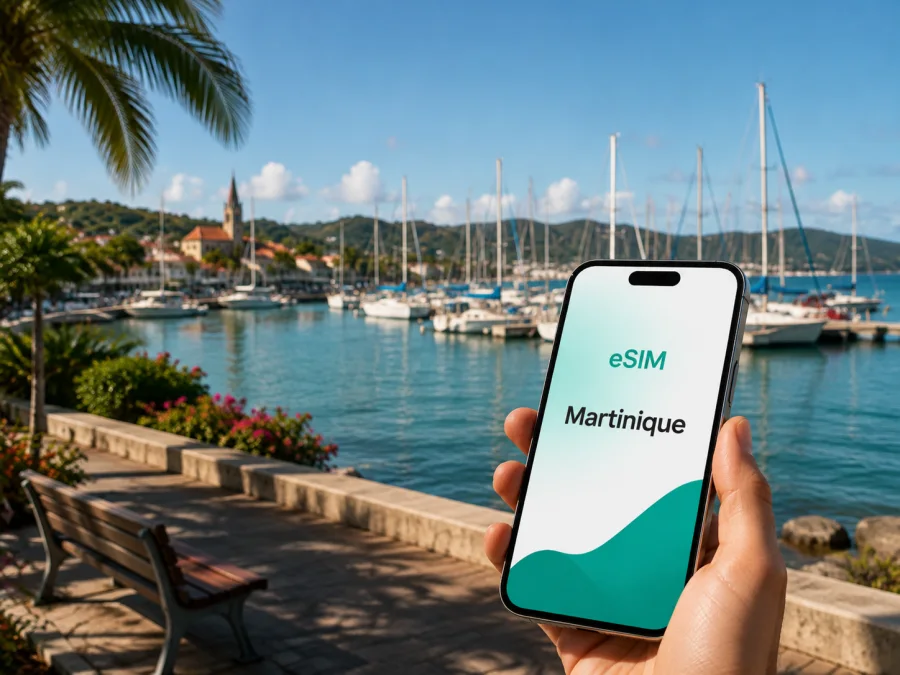
eSIM for Le Marin: mobile connection and internet for your trip
Le Marin is a practical base in southern Martinique for a holiday shaped by the sea, a yacht charter, a short stopover, or a few days of exploring the coast. The town sits at the head of a sheltered bay and is closely associated with its marina, sailing services, restaurants, shops and routes towards the beaches and villages of the south. In this setting, a reliable mobile connection is useful from the moment you land: you may need to coordinate a transfer, find your accommodation, check a booking, message a skipper or open a map before you have settled in.
An eSIM, or digital SIM, can prepare mobile internet for the trip without changing the physical SIM in your phone. Kaspersky eSIM Store is an app and website that helps you choose, arrange and activate an eSIM with a suitable tariff for mobile internet abroad. The right setup depends on your device, destination, dates and expected data use, so it is worth preparing the essentials before leaving home.
Why mobile internet matters in Le Marin
Le Marin is compact around its town centre and port, but many useful places for a visitor are spread across the wider southern part of Martinique. A phone with mobile data can help you move between these points without making connectivity the main task of the day.
Arrival and the first hours
Most air travellers approach Le Marin after landing at Martinique Aimé Césaire Airport in Le Lamentin. The airport is not in Le Marin, so the final part of the journey is a road transfer rather than a walk from the terminal. You may need a map, a message to a host, a booking confirmation or a translation before you reach the bay. If your accommodation or boat charter has a meeting point, keeping the phone online makes it easier to confirm the exact entrance, quay or office.
Install the eSIM before the journey, while you still have a dependable Wi-Fi connection, or prepare the activation details so they are available after landing. Keep your usual physical SIM active for calls or messages if you need it, but set the travel eSIM as the line for mobile data when you are ready to use it. Check the device settings carefully so that data does not switch unexpectedly between lines.
Marina days and sailing departures
The marina is the centre of many Le Marin itineraries. It is a major yachting base with more than 700 berths and a wide range of supporting services. A visitor may use data to communicate with a charter company, follow a meeting point, check an updated departure message, share documents, or look up opening times. On a boat, the practical need is often small but frequent: a short message, a weather-related update from an organiser, a map of the next stop or a reservation confirmation.
If you are joining a sailing trip, download anything that must be available offline before departure, such as booking details and key addresses. Mobile coverage on land and connectivity at sea are not the same thing, and an eSIM tariff should not be presented as a guarantee of service in every offshore location. Use the phone online for the tasks that require it, and keep essential information accessible without data.
Navigation between the town and the coast
Le Marin is a good base for exploring the southern coast, including nearby Sainte-Anne and beaches such as Anse Michel, Cap Macré, Cap Ferré and Cap Chevalier. These are separate places, so a day plan may involve a rental car, taxi or another pre-arranged transfer. Maps and messaging are especially useful when a route includes a less familiar road, a change of meeting point or a pickup away from the marina.
Use mobile data for live directions when needed, but do not rely on a single navigation method. Save the name and address of your accommodation, keep the phone charged, and take a screenshot of a reservation or pickup instruction. A short preparation routine is often more useful than trying to solve every detail while standing beside the road.
What to do online before you leave
The smoothest setup starts before the trip. In Le Marin, one day can move from an airport transfer to a marina appointment and then to a beach or boat departure, so prepare the phone while you have dependable Wi-Fi.
Preparation checklist
- Confirm eSIM support and check that the phone is not operator-locked; models can vary by region of sale.
- Keep access to the purchase email, profile or QR code, and save your accommodation and marina details offline.
- Note the travel dates, expected data use and the line you want to use for mobile data.
- Keep your primary number available if you need ordinary calls or SMS.
- Charge the phone before the flight and take a power bank for long transfers or boat days.
Compare the tariff with the itinerary
There is no universal allowance for Le Marin. Maps and messages need less data than video calls, streaming or frequent photo uploads. Compare the destination, validity, data volume and hotspot conditions shown for the tariff.
| Itinerary | Main online tasks | Check first |
|---|---|---|
| Short stopover | Maps, messages and bookings | Validity and arrival data |
| Marina or sailing stay | Charter messages, reservations and land maps | Full-stay validity and usage conditions |
| Road trip or remote work | Repeated navigation, email and calls | Allowance, hotspot rules and limits |
If the route includes other places, confirm whether the tariff is for Martinique or a wider region and whether it covers the whole itinerary. The table helps you compare needs; it does not predict exact consumption.
Choosing an eSIM for a Le Marin itinerary
For a city stay, ask what you will do between the airport, accommodation, marina and planned outings. Start with the tariff’s country or region, then compare validity, data allowance, activation conditions and restrictions.
An eSIM can keep the physical SIM in your phone while you prepare a travel-data line before reaching Le Marin. It can also suit a short business visit, provided the tariff and device meet your needs.
When you are ready to compare the available options, you can choose an eSIM plan for a trip to Martinique. Review the destination, validity and data allowance on the selection screen, and keep the purchase details available for installation.
Three practical scenarios
1. A late arrival and a pre-booked transfer
Before boarding, install the eSIM if the conditions allow it, but leave the profile off if validity begins on activation. After landing, select it for data, check the line, and message the driver or accommodation contact. Save the transfer address before leaving the airport.
2. A charter week based in the marina
Use data for arrival coordination, supplier messages, bookings and land maps. Save the charter company, boat name and meeting point. If the itinerary moves offshore, keep important documents offline and do not assume that a message will arrive at sea.
3. A work trip with evenings in the south
Test email, authentication and work apps before travelling. Use Wi-Fi for large downloads where practical, and check hotspot conditions before connecting a laptop or tablet.
Installing and activating the eSIM
Installation is easier when the phone is connected to the internet, the activation details are ready and the device is not operator-locked. The names of settings vary by manufacturer, but the sequence is broadly similar.
1. Check the device
Make sure the phone supports eSIM and is not restricted by the original mobile operator. Before purchasing, check your device compatibility. If you use a dual-SIM phone, confirm that you understand which line will be used for calls, messages and mobile data.
2. Open mobile-network settings
Open the phone’s mobile or cellular settings and choose the option to add an eSIM or mobile plan. Keep the purchase email or QR code nearby. Do not delete an existing profile just to make room unless you know exactly what it is and whether it can be restored.
3. Scan or enter the activation details
Scan the QR code when the phone requests it, or follow the available manual-entry option. Give the new profile a clear label such as “Martinique trip” so it is easy to identify beside your usual line.
4. Choose the data line
When you are ready to use the tariff, select the travel eSIM for mobile data. If you want to keep your primary number available, leave that line enabled for the functions you need and check which line is selected for data. On some devices, data roaming must be enabled for the eSIM to work; follow the tariff and device instructions rather than changing unrelated settings.
5. Allow time for activation
The connection may take a few minutes. If the phone does not connect, check that the eSIM profile is enabled, the travel line is selected for data and the device has a usable signal. Restarting the phone can help it re-register, but do not remove the eSIM profile while troubleshooting unless support instructs you to do so.
For platform-specific steps, use the Android eSIM installation guide or the iOS eSIM installation guide. Keep the profile and activation information safe: the precise reuse or transfer conditions depend on the tariff.
Keep the setup practical
Use the phone intentionally in Le Marin: download large files over Wi-Fi, save addresses before a road transfer, and check hotspot rules before connecting a laptop. Around the marina, current messages and booking details may matter; on a beach or boat day, a saved map and one urgent message may be enough.
If mobile data does not work, confirm that the eSIM is enabled and selected for data, check whether data roaming is required, verify signal and airplane mode, then restart the phone and review the tariff allowance. Contact support with the order and device details if the issue remains. Do not delete the profile as a first response, because reinstallation conditions depend on the tariff.
Before purchasing, confirm that the tariff includes Martinique, covers your dates, matches your expected use, and states any activation, roaming or hotspot conditions. Also check device compatibility and save essential accommodation, airport and marina details offline.
An eSIM tariff is primarily for mobile internet. Unless its conditions say otherwise, it does not add an ordinary phone number or include standard calls and SMS. Messaging and calling apps can use the data connection, while your usual line can remain available if your phone supports that arrangement.
Frequently asked questions
Is an eSIM useful for a trip to Le Marin?
Yes, when you need mobile internet for airport transfers, maps, marina coordination, bookings, messaging or work. It can be especially convenient when you want to keep the physical SIM in your phone and prepare the travel data line in advance.
Should I install the eSIM before arriving?
Usually, preparing it before departure is more comfortable because you can use a dependable Wi-Fi connection and resolve device questions calmly. Whether you should activate it immediately or later depends on the tariff’s validity and activation conditions. Read those conditions before switching the profile on.
Will the eSIM give me a regular phone number?
Not normally. An eSIM tariff for mobile internet does not include ordinary calls or SMS unless that is explicitly stated. Messaging and calling apps can work through the data connection, while your usual number can remain available if your device and operator settings support that arrangement.
Do I need a car in Le Marin?
That depends on your plan. A marina-focused stay can be organised around the town, while beaches, viewpoints and other southern destinations may require a rental car, taxi or pre-arranged transfer. Use maps and messaging to coordinate the option you choose, and check each address rather than relying on a general town name.
Can I rely on mobile data offshore?
Do not assume that land-based service will be available everywhere at sea. Before leaving the marina, save reservations, addresses and other essential information, and follow the instructions of your skipper or excursion organiser. The eSIM is a travel mobile-data option, not a guarantee of offshore service.
What should I do if the eSIM does not connect?
Check that the profile is enabled and selected for mobile data, confirm whether data roaming is required, and restart the phone. Then review the tariff conditions and remaining allowance. If the issue continues, contact support with the order details and device information; do not delete the profile as a first step.
Plan your connection before the bay comes into view
Le Marin rewards a practical travel setup: a saved address for the first night, a clear plan for the transfer from the airport, the right meeting point at the marina and enough data for maps, messages and bookings. Prepare the device, compare the tariff conditions and install the eSIM while you have time to check each setting.
When the details are ready, choose an eSIM plan for Martinique and prepare mobile internet for your Le Marin itinerary through Kaspersky eSIM Store. Check the device, keep important information offline, and activate the travel line when the tariff conditions and your arrival plan call for it.


