Travel connectivity guide
MTN eSIM in Sudan: what to check
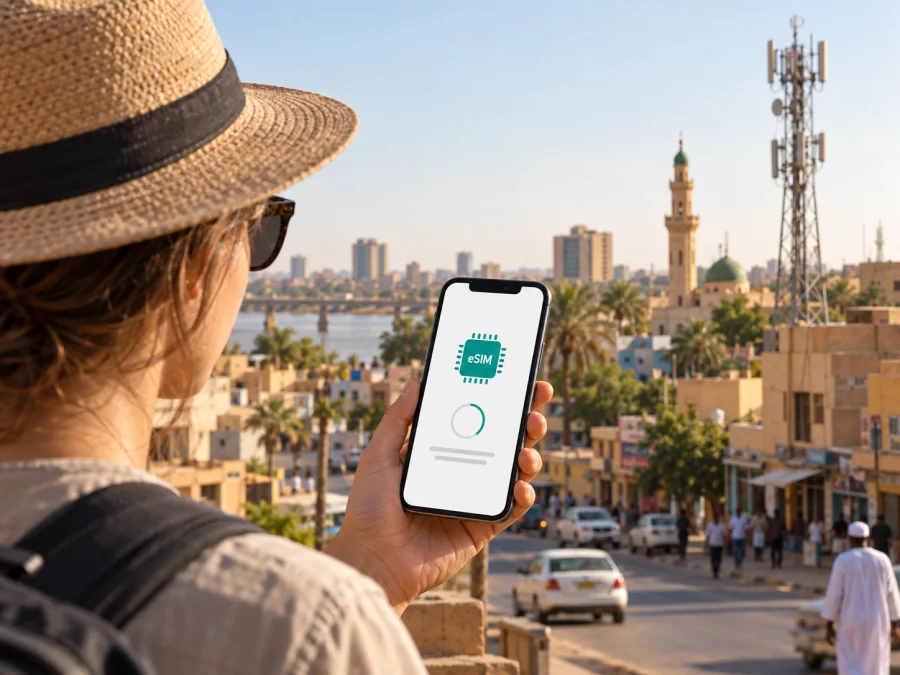
MTN eSIM in Sudan: what travelers should know
If you are planning a trip to Sudan and want to use an eSIM connected with MTN, check one important point before you travel: as of 26 September 2026, I could not find a current public confirmation on MTN Sudan’s official website that MTN offers its own eSIM service, or instructions for obtaining and activating one. Confirm current eSIM support directly with MTN Sudan before relying on it. Its general mobile internet and prepaid service pages do not establish eSIM availability.
MTN is one of Sudan’s mobile operators. The right option for a short stay depends on your device, route, registration requirements, and whether you need a local number or data only.
Kaspersky eSIM Store is an app and website for choosing, arranging, and activating travel eSIM data. It is not MTN, a mobile operator, network owner, or mobile connectivity provider, and is not affiliated with MTN. The MTN name belongs to its rights holder.
What is confirmed about MTN in Sudan
MTN Sudan’s official website identifies the local operation and presents services for personal and business customers. Its Internet section describes mobile internet for prepaid and postpaid numbers. That supports the general conclusion that MTN provides mobile internet and has prepaid service in Sudan. It does not confirm a tourist-specific offer, visitor eligibility, a digital SIM product, or the procedure for registering a new line.
MTN Sudan’s About section describes operations across the country, but this broad statement is not a location-level guarantee. The reviewed pages did not provide a traveler-focused coverage checker. Ask MTN about your itinerary and recheck close to departure.
A separate current page on Kaspersky eSIM Store for Sudan lists MTN among the local telecommunications providers associated with its travel eSIM service. That listing concerns the service arranged through Kaspersky eSIM Store. It should not be read as confirmation that MTN itself issues eSIMs to visitors, that an MTN eSIM can be bought from MTN, or that the two services have identical activation or registration rules.
Is MTN eSIM available to travelers?
MTN Sudan’s public website and the official service pages reviewed on 26 September 2026 did not confirm that customers can obtain an MTN-issued eSIM. I also did not find an official public MTN Sudan eSIM activation guide, compatibility list, or visitor registration instructions. For that reason, it would be misleading to present an MTN eSIM as a verified option for a trip to Sudan.
Before choosing a local connection, contact MTN Sudan using the current contact channels shown on its official website. Ask the operator to confirm, in writing if possible:
- whether it currently issues eSIM profiles for mobile customers in Sudan;
- whether a new customer can register digitally or must visit an authorized point of sale;
- which identity documents are accepted for a visitor and whether local registration rules apply;
- whether a passport, local contact details, or other documentation is required;
- whether the service is available to short-term visitors, and where they can complete activation;
- which phones and operating-system versions are supported, and whether the device must be unlocked;
- whether installation can be completed before travel or only after arrival;
- which network access, voice, messaging, and data functions the service supports.
These are questions to verify, not claims that a particular document or visit is always required. Registration conditions can depend on the product, customer status, and rules in force when you apply. Do not send identity documents to an unofficial seller or rely on an old forum post for current requirements. If MTN confirms that it does not issue eSIMs to visitors, ask whether a physical prepaid SIM is available and what the current purchase and registration process involves.
Coverage and mobile technologies
Coverage is a practical question for any trip in Sudan. MTN’s broad description of its national presence is not a signal guarantee. Reception may differ by neighborhood, building, road, or rural area, and may be affected by infrastructure, congestion, device bands, or service interruptions. A national coverage label cannot confirm service at a particular hotel or stop.
The Telecommunications and Post Regulatory Authority (TPRA) has a public telecommunications coverage section that includes an MTN tower image. This is useful sector context, but the page does not, by itself, supply a live address-level service check. A current nPerf map for MTN in Sudan presents separate views for 2G, 3G, 4G, and 5G. nPerf says its map is based on tests made by app users in real conditions. Such crowd-sourced observations can help orient a traveler, but they are not a guarantee of availability and should not be treated as an operator-published technology commitment. A map layer does not establish that every technology is available in every place, or that it will be available at the time of your visit.
Ask MTN about the places and routes on your itinerary, including current technologies and voice or data availability. Save maps and essential contacts offline. If connectivity is critical, plan a backup; an eSIM cannot resolve a weak signal or outage.
Your phone must also support the network technology and frequency bands used locally for the service you intend to use. A phone that supports eSIM in general may still be incompatible with a particular operator or may be locked to another provider. Check the exact device variant, software version, and carrier-lock status with the manufacturer and with MTN before purchase. If you are using a travel eSIM, confirm its compatibility separately; this does not establish compatibility with an MTN-issued eSIM.
Local MTN service or a travel eSIM?
A local operator connection and an international travel eSIM can serve different needs. A local MTN account may be relevant if you need local operator service or a local number, but first confirm that a visitor can register and that the required product is available. The public MTN pages reviewed here confirm prepaid and postpaid mobile internet generally; they do not confirm tourist offers or an MTN-issued eSIM. Ask MTN directly about current options, registration, and the services included rather than assuming a visitor product exists.
Kaspersky eSIM Store offers a separate way to prepare mobile data for a trip. Its Sudan destination page lists local telecommunications providers, including MTN, for the eSIM service presented there. This is a travel-data option arranged through the app or website, not an MTN retail account or a statement that MTN supports its own eSIM. Kaspersky’s public setup information describes a data-focused service; check the current product conditions for destination support, device compatibility, installation, and activation. If you need a local phone number, confirm separately how to obtain one.
A local line may suit a visitor who meets MTN’s registration conditions and needs local service. A travel eSIM is a separate option for data, subject to device and destination support. Neither guarantees coverage everywhere in Sudan; choose based on confirmed conditions, not the word “eSIM.”
If a travel eSIM is suitable, you can review the eSIM options for Sudan and confirm the current details on the destination page. Kaspersky eSIM Store helps travelers choose, arrange, and activate an eSIM for mobile data abroad; it does not operate the local network or guarantee coverage. Keep access to your regular SIM if you need its number for calls or verification messages, and review its roaming settings with your home provider.
Before you travel: a practical checklist
- Verify eSIM support at the source. Ask MTN Sudan whether it currently issues its own eSIM and whether visitors can register. Request current activation instructions.
- Check visitor registration. Confirm accepted identification, whether registration must be in person, and whether short-term visitors are eligible. Do not infer requirements from a general prepaid page.
- Confirm device support. Check your exact phone model, eSIM support, carrier-lock status, and compatibility with the provider’s network. Verify local MTN and travel eSIM support separately.
- Ask about your route. Check service in the places you plan to visit, including stops between cities. Coverage maps and broad claims do not guarantee service at a particular address.
- Understand setup and keep a backup. Ask when installation and activation can occur, what internet access setup needs, and whom to contact if it fails. Save important details offline and retain your regular SIM if you need its number.
- Review current terms. Read the provider’s service and support information before confirming. Do not rely on old screenshots or unofficial summaries for eligibility or activation.
Installing an eSIM on a compatible phone
These steps describe a travel eSIM only, after the provider confirms support for your device and destination. They are not MTN activation instructions: the official MTN Sudan pages reviewed on 26 September 2026 did not provide a public eSIM procedure.
Before setup, connect to stable Wi-Fi, confirm that your phone supports eSIM and is unlocked, and read the provider’s instructions. Keep its QR code or activation email accessible if supplied. Do not delete an installed profile unless the provider says it can be reinstalled.
On iPhone: open Settings, then Cellular or Mobile Data, and choose the option to add an eSIM. Follow the on-screen instructions or scan the provider’s QR code. Menu wording can vary by iOS version and region; use Apple’s current guidance for your device. Keep your usual line selected for calls or messages if needed, and choose the intended line for mobile data.
On Android: open Settings and look for Network & Internet, Connections, or SIM manager. Choose the option to add or download a SIM and follow the provider’s directions. Names and steps vary by manufacturer and software version, so check the instructions for your exact phone.
Some travel eSIMs require data roaming for that profile. Follow the provider’s instructions and avoid changing your regular line’s roaming settings unless you understand the consequences. When you arrive, select the intended data line and allow the phone to register. If it does not connect, check the active line, restart the device, and contact the provider through its official support channel. These steps do not establish that an MTN profile is available.
For Kaspersky eSIM Store, use its current in-app or website instructions and the device compatibility guide. Verify current Sudan service details before checkout.
Common questions
Can a tourist buy an MTN eSIM in Sudan?
This was not confirmed by current official MTN Sudan information as of 26 September 2026. Ask MTN about visitor eligibility, registration, and where activation can be completed. A travel service listing MTN as a local provider is not proof of an MTN-issued eSIM.
Does MTN offer prepaid mobile internet?
MTN’s official Internet page describes mobile internet for prepaid and postpaid numbers. It does not establish visitor eligibility, remote registration, or eSIM availability. Confirm current conditions with MTN.
Which technologies are available?
The current nPerf map displays user-test layers for 2G, 3G, 4G, and 5G. Treat it as indicative rather than a guarantee or official MTN statement. Ask about your route and device compatibility.
Will an eSIM work on any phone?
No. Check exact-model eSIM support, carrier-lock status, software, and network compatibility with the manufacturer and provider.
A careful way to plan
MTN publicly describes mobile internet and prepaid service in Sudan, but its eSIM availability for travelers was not confirmed in the official information reviewed on 26 September 2026. The operator’s About and Internet sections support the general service description. TPRA and nPerf provide additional context, not address-specific confirmation.
Ask MTN about current eSIM status, visitor registration, compatibility, activation, and service on your route. For data through a separate travel eSIM, confirm destination support and limitations. Base the decision on current details.


