Travel connectivity guide
Nar eSIM in Azerbaijan: what to check
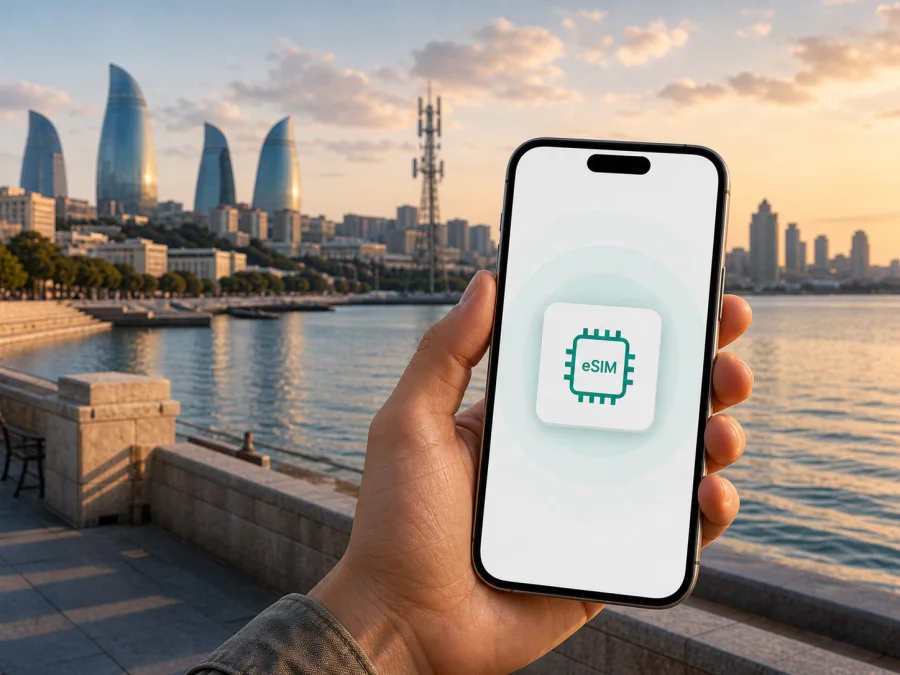
Nar eSIM in Azerbaijan: connection and activation for travellers
If you are planning a trip to Azerbaijan and are considering a Nar eSIM, separate two questions: whether the operator supports an embedded SIM, and whether a local line suits your journey. An eSIM, or digital SIM, is built into a compatible phone and can be added with a QR code or activation details.
Nar is a mobile operator serving the Azerbaijan market. Its public English-language website presents consumer services, a dedicated eSIM service, customer service centres, roaming information and tourist-oriented options. It is therefore a local option to investigate when you need an Azerbaijan number or an operator line. Exact conditions and identification steps can change, so verify them with Nar before travelling.
This article was checked on 2 September 2026 against current public pages published by Nar and Kaspersky. Nar’s official eSIM page confirms new eSIM numbers and duplicates and describes QR-code activation. Nar’s official tourist page and a current Nar news page describe a service for foreign visitors and the documents required for activation.
Quick answer
Nar eSIM support in Azerbaijan is publicly confirmed. The operator’s eSIM site provides an ordering route, activation instructions and an EID device check. Nar also publishes a tourist offer, but its public instructions direct foreign citizens to a store with registration documents; this does not mean every tourist option is automatically an eSIM.
For a short visit, decide whether you need a local number and operator support, a tourist service arranged with documents, mobile internet prepared before departure, or a dual-SIM setup. The choice depends on your phone, route and the current conditions shown by the relevant service.
Nar in the Azerbaijan mobile market
Nar has a public network and customer-service infrastructure in Baku and the regions. Its website separates consumer and business services and provides information about joining, balance management, roaming, internet services, support and eSIM. A local Nar line belongs to the domestic service environment, while a travel eSIM is normally arranged for mobile internet during a journey.
This description is not a promise about performance at a particular address. Experience can differ with terrain, buildings, local capacity, phone bands and account status, so check the service and technology needed at your destinations.
Is Nar eSIM available in Azerbaijan?
Yes. Nar’s official eSIM site is a current public confirmation of eSIM support. Its English page describes obtaining a new eSIM number or a duplicate at a Nar customer service centre and includes an order route. It also explains that the phone must support eSIM and shows how to install the profile with a Nar QR code or with an SM-DP and activation code. The page was checked on 2 September 2026.
That confirmation is about Nar’s service, not every phone model. A regional version, firmware setting or operator lock can disable eSIM, and a second-hand phone may remain locked to a former network. Check the exact model and unlocked status before ordering. Nar’s FAQ also describes reinstallation or transfer with the supplied QR code in some situations; keep that code private and follow the current support instructions after a reset or device replacement.
The customer route may differ for a local subscriber, new customer or foreign tourist. Nar eSIM is available in Azerbaijan; confirm the exact ordering, identification and service-centre steps for your status and device.
What a traveller should prepare
1. Check the phone before departure
Confirm that the model supports eSIM and is not operator-locked. Nar’s official eSIM instructions suggest dialing *#06# and looking for an EID entry. The presence of EID is a useful device-level indication, but it does not replace checking the manufacturer’s regional specification or the phone’s settings. If the EID is absent, or the eSIM menu cannot be opened, contact the seller or manufacturer before purchasing a service.
Make sure the phone can connect to the internet during installation. Stable Wi‑Fi is usually simplest. Charge the phone and save the QR code or activation details somewhere accessible without relying on the new line.
2. Keep identification documents available
Nar’s tourist page says that foreign citizens activate the tourist service at a Nar store after presenting registration documents. A Nar news page for visitors gives a more specific instruction to present the passport used for entry registration in Azerbaijan. Because entry and subscriber-identification rules can change, carry the relevant document and check the current requirement before going to a store. Do not assume that an online eSIM order removes the need for identification in a regulated local service.
Use the same travel document that was used for entry formalities when Nar’s current instructions require it. Check the opening hours of the nearest customer-service centre before you go.
3. Decide whether you need a local number
An operator eSIM is useful when a local line, direct calls or operator account services are important. It is also a normal domestic mobile service, so its management and identification follow Nar’s rules. A travel eSIM is often chosen for mobile internet only. It may not provide a local number, voice calling or SMS, and those functions should never be assumed unless the current conditions explicitly say so.
If your phone supports dual SIM, you can keep the home line installed and choose which line handles mobile data. Check the data-line selection, disable automatic switching if available, and confirm how your home operator treats roaming.
Nar eSIM activation: a practical sequence
The menu names vary by manufacturer and operating-system version, but the underlying process is similar. Nar’s public English eSIM page gives the following basic flow.
- Connect the phone to Wi‑Fi and keep the QR code or activation details ready.
- Open mobile-network settings. On iOS, this is normally the Cellular or Mobile Service area; Android devices may use Network and Internet or SIM manager.
- Choose the option to add a cellular plan, mobile plan or eSIM.
- Scan the Nar QR code. If the operator supplied manual details instead, enter the SM-DP information and activation code exactly as shown.
- Wait for the profile to download, then assign a clear label so you can distinguish it from other lines.
- Select the line that should provide mobile data and check that the correct profile is enabled.
- Test a web page or another basic data connection before leaving the Wi‑Fi network.
Installation and first use are not necessarily the same moment. Read the current Nar instructions if you install before travelling, and do not delete a working profile until you know whether the QR code can be reused. A travel eSIM may require data roaming on that profile; follow its instructions and recheck the data-line selection after a SIM change.
Network technologies and coverage in Azerbaijan
Nar’s official network notices describe 3G and 4G technologies, including LTE and 4/4.5G references. The operator has published information about LTE and LTE-A infrastructure in Baku and in regional districts, with separate notices describing expansion into additional areas. These pages confirm the technologies and broad deployment areas that Nar has chosen to publish; they are not an independent measurement of speed, latency or reliability.
For a journey through Azerbaijan, think in terms of locations rather than a nationwide promise. Coverage can differ between Baku, airports, highways, rural settlements and mountain routes. Phone bands, indoor conditions and terrain also matter. Download essential maps or travel information for offline use before a long drive.
Reference snapshot
| Question | What the current public pages confirm |
|---|---|
| eSIM support | Nar has a dedicated eSIM site with an order route and activation guidance. |
| Device check | Nar points users to the EID entry after dialing *#06#. |
| Installation | The published flow uses Wi‑Fi, mobile settings, a QR code or manual activation details. |
| Visitor process | Nar publishes a tourist-oriented service for foreign citizens and asks for registration documents at a store. |
| Technologies | Nar’s network notices refer to 3G, 4G/LTE and 4/4.5G or LTE-A deployments. |
| Coverage context | Public notices refer to Baku and regional districts; local conditions still vary. |
Facts were checked on 2 September 2026 on Nar’s official eSIM, tourist and network pages.
Travel eSIM as an alternative for Azerbaijan
A local Nar eSIM and a travel eSIM solve different practical problems. Nar is the local operator choice with its identification process, customer channels and domestic network. A travel eSIM is considered when mobile internet is the main requirement and you want to prepare at home.
Kaspersky eSIM Store is an app and website that helps travellers choose, arrange and activate an eSIM for mobile internet abroad. It is not a mobile operator, does not own Nar’s network, and does not provide network coverage. The connection is supplied through the relevant local networks associated with the selected travel service. The Kaspersky official blog, checked on 2 September 2026, describes installation before departure or after arrival, device compatibility checks, activation guidance and the need to select the eSIM for mobile data in the phone settings.
For the Azerbaijan destination, you can review the available eSIM options for Azerbaijan and then verify the current conditions before completing an order. The destination page is a practical starting point for a traveller who wants mobile internet without handling a physical SIM. It does not replace Nar’s own support for a Nar number, local identification or operator account.
The approaches can be used in sequence or on a dual-SIM phone if the device and service conditions allow it. You may use a travel eSIM on arrival and decide later whether a local Nar line is needed, or visit a Nar store because a local number matters more. These are usage scenarios, not a ranking.
Choosing a setup for Azerbaijan
Ask whether you need a local number, can visit a Nar service centre with the required document, have an unlocked eSIM phone, and can manage two profiles without selecting the wrong data line. Nar suits the local-line scenario; a travel eSIM suits pre-departure mobile-internet preparation. These are different service roles, not a ranking of operators.
Common problems and what to check
The phone does not show an eSIM option
Check the exact model, region, operating-system version and operator-lock status. Dial *#06# and look for EID as suggested by Nar. If the menu is missing, contact the device seller or Nar support; regional variants can differ.
The QR code will not scan
Increase the brightness of the screen displaying it, keep the phone on Wi‑Fi and hold the camera steady. If the code is on the same phone, use another screen or the manual details supplied by Nar. Keep the QR code private.
The profile installed but there is no mobile data
Confirm that the Nar profile is enabled and selected for mobile data, airplane mode is off, and the phone has completed activation. For a travel eSIM, review whether data roaming is required. Test another location if terrain or buildings may affect the signal, then note the place and device status before contacting support. Keep the original QR code until you know whether reinstallation is allowed after a reset or replacement.
FAQ
Does Nar support eSIM in Azerbaijan?
Yes. Nar’s official eSIM site publicly confirms the service and provides ordering and activation guidance. The phone must be compatible, and the customer route can depend on whether you are obtaining a new number or a duplicate.
Can a foreign visitor activate a Nar service?
Nar’s public tourist information says that foreign citizens can activate the tourist-oriented service at a Nar store with registration documents. A Nar news page specifies the passport used for entry registration. Confirm the current document list and ask whether the requested service is available as an eSIM, because tourist and eSIM pages describe their routes separately.
Will every eSIM phone work with Nar?
No universal guarantee should be made. Check EID, the exact regional model, software support and the absence of an operator lock. Network-band compatibility and local coverage also affect the result.
Is a travel eSIM the same as a Nar eSIM?
No. Nar eSIM is a local operator line. A travel eSIM is a separate service intended to help with mobile internet during a trip and may not include a local number, calls or SMS. Check the current conditions of whichever service you choose.
Final checklist before leaving
Verify the exact device model and EID, remove any operator lock, and keep the required document available for a Nar store visit. Save the activation instructions and QR code securely. After installation, label the profiles, select the intended data line, review roaming settings and test a connection while Wi‑Fi is still available. Save essential maps or reservations offline.
Remember that an eSIM is a method of storing a subscriber profile, not a guarantee of service in every location. Nar’s official pages confirm eSIM support and describe local technologies and visitor procedures, while the final result depends on the device, account, current conditions and place of use. If the local route is inconvenient, Kaspersky eSIM Store can be considered as a separate travel-internet alternative. Kaspersky eSIM Store is not affiliated with Nar, and this article does not represent an official partnership, endorsement or support channel for either service.


