Travel connectivity guide
Pangai eSIM: Mobile Internet in Tonga
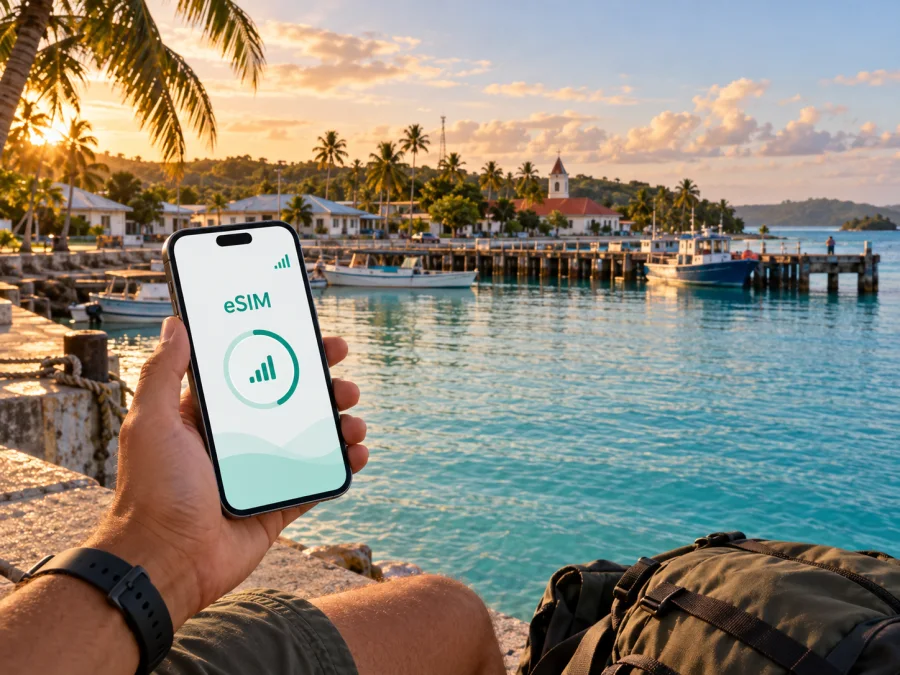
Pangai eSIM: mobile connection and internet for your trip to Tonga
Pangai is a useful base for discovering Haʻapai, but a stay here has a different rhythm from a city break in a large capital. The administrative centre sits on Lifuka Island, close to the harbour and within reach of the island’s airport, guesthouses, shops and services. You may arrive after a domestic flight, come by sea, continue towards another island, or use Pangai as a quiet stop between more remote parts of Tonga. In each case, mobile internet helps with the practical details: checking an arrival message, sharing your location, opening a map, confirming a booking or contacting a host.
An eSIM can prepare that first connection without replacing your physical SIM. Kaspersky eSIM Store is an app and website for choosing, arranging and activating an eSIM with a suitable travel-data tariff. Service depends on the selected tariff, local network and displayed conditions.
Why mobile internet is useful when you arrive in Pangai
Pangai is the administrative capital village of the Haʻapai island group and is located on Lifuka. The town’s importance is practical: it is a point for arriving, buying basic supplies, finding local services and organising onward movement around the islands. That makes a working data connection useful even if your holiday plan is mostly about beaches, lagoons and time outdoors.
During the first hour after arrival, you may need to:
- message a guesthouse about your arrival time;
- check a domestic flight, ferry or boat arrangement;
- open a saved map of Pangai, Lifuka or neighbouring Foa;
- find the route from the airport or wharf to your accommodation;
- translate a short message or confirm a meeting point;
- let family or colleagues know that you have arrived safely.
Pangai is compact enough for many local errands to be handled on foot, by bicycle or with help from a host. The wider Haʻapai experience also includes boats, beaches and less densely settled areas. A data connection is therefore most valuable as a practical tool for planning and coordination, rather than as something you use continuously in every moment of the day.
The best preparation is to make the first connection predictable. Save your accommodation address, download important booking details for offline access, and keep another payment option available. Mobile internet is helpful, but it should not be your only plan for a remote-island arrival.
Pangai as a base: harbour, airport and local movement
The town is on the western side of Lifuka, with the harbour and central services forming the natural reference points for visitors. Taufaʻahau Wharf in Pangai is listed as a port of entry for Haʻapai. Lifuka Island Airport serves the island, and travel information commonly describes it as being a short distance from Pangai. Since domestic schedules and transfers can change, confirm your own flight, boat or pickup details before departure rather than relying on a generic timetable.
When you arrive, use your phone for the tasks that reduce uncertainty:
- Open the accommodation message and identify the exact pickup point.
- Check whether your host expects you at the wharf, airport or another landmark.
- Send a short arrival update if the timing has changed.
- Save the route before leaving a strong-signal area.
- Ask locally about the next leg if you are continuing to another island.
Use online information together with instructions from your accommodation and local providers. A map pin cannot tell you whether a boat transfer needs advance arrangement or whether a service is open on the day you arrive.
Walking, cycling and short transfers
For a short visit, walking is often the clearest way to understand Pangai’s centre. It lets you combine an errand at a shop or market with a look at the harbour, churches, older buildings and coastal scenery. A bicycle can be more useful when your accommodation is outside the centre or when you want to reach nearby parts of Lifuka at an unhurried pace.
Before setting out, download or screenshot the essentials:
| What to prepare | Why it matters in Pangai |
|---|---|
| Accommodation location | Addresses and landmarks can be easier to show than to describe from memory. |
| Airport or wharf meeting point | Your transfer may use a specific side of the harbour or a local landmark. |
| A basic area map | A saved view remains useful if the connection becomes weak. |
| Booking and travel details | Offline copies reduce dependence on a live page at the critical moment. |
If you hire a vehicle or arrange a boat, ask about return time, payment and weather conditions before leaving.
Choosing an eSIM tariff for a Pangai trip
The right option depends on your itinerary, not just the name of the destination. Start with four questions: how long will you be in Tonga, how much data will you use, will you travel beyond Lifuka, and do you need the connection mainly for maps and messages or also for work calls and cloud services?
1. Match the destination and route
Choose a tariff whose coverage area and conditions match Tonga and your wider itinerary. If Pangai is one stop in a longer Pacific journey, check whether a country-specific option is appropriate or whether a regional option better matches the countries you will visit. Do not assume that a plan for a neighbouring destination applies to Tonga.
2. Estimate realistic data use
Light use can include messages, occasional map checks, email and weather pages. Higher use may include video calls, photo backups, navigation with live updates and work files. Accommodation Wi-Fi, when available, can reduce mobile-data use, but it is wise to keep enough data for arrival, local movement and changes to your plan.
| Trip pattern | Typical mobile-data priorities |
|---|---|
| Overnight stop in Pangai | Arrival messages, maps, booking details and a few local searches. |
| Several days on Lifuka | Navigation, communication with hosts, weather checks and regular messaging. |
| Pangai plus outer-island activities | Coordination with boat or tour providers, maps where available and flexible contact options. |
| Work trip with leisure time | Email, messaging, cloud documents and carefully managed calls; check how much data video uses. |
These are planning patterns, not promises about a particular tariff. Read the displayed data allowance, validity period, activation rules and any restrictions before you confirm your choice. A smaller allowance may be enough for a short stop if you avoid automatic photo backups and video streaming. A longer stay or work itinerary may call for more headroom.
After reviewing the destination, duration and likely usage, choose an eSIM tariff for your trip to Pangai and Tonga. The page can help you review the available option for the country; the final conditions shown there are the ones to use for your decision.
3. Decide when to activate
Some travellers prefer to install the eSIM before leaving home and turn it on after landing. Others complete the process after arrival using Wi-Fi. The safer choice depends on the tariff’s activation rules and your device. Read when validity begins: installation and activation are not always the same event.
If the tariff starts when it first connects to a supported network, installing it before the flight may be convenient. If the conditions say that validity begins earlier, wait until the timing suits your trip. Keep the purchase email, QR code or activation details accessible offline, and do not delete the information until the eSIM is working and the tariff details are clear.
How to install an eSIM before or after arriving
Installation is a device task, so menu names vary by manufacturer and software version. The broad sequence is usually as follows:
- Check that the phone supports eSIM and is not locked to another operator.
- Connect to Wi-Fi or another working data connection during setup.
- Open mobile-network settings and choose the option to add an eSIM or mobile plan.
- Scan the QR code or follow the activation details supplied after your order.
- Label the new line clearly, such as “Tonga travel data”.
- Choose which line should be used for mobile data.
- Keep your regular line available for calls and messages if you need it, while checking its data-roaming setting.
- When you are in Tonga, enable the travel eSIM and confirm that data is assigned to it.
For more detailed device guidance, use the Android installation instructions or the iOS installation instructions. Follow the tariff’s own activation conditions as well as the device steps. If a QR code is displayed on the same phone, you may need another screen or a manual activation method, depending on the device.
A pre-departure checklist
- [ ] The device supports eSIM and is not operator-locked.
- [ ] The eSIM details and QR code are saved for the trip.
- [ ] Your regular line is clearly labelled.
- [ ] Data roaming is configured according to each line’s instructions.
- [ ] Pangai accommodation and transfer details are available offline.
Check device compatibility and manage two lines
Before arranging any eSIM, check whether your device supports eSIM. Some phones that share a product name can differ by market, carrier or model number. A compatible device may also be locked to its original operator. Check both points before you travel, especially if the phone was purchased with a contract or imported from another region.
If your phone has two active lines, use clear labels and review these settings after landing:
- mobile data: the Tonga travel eSIM;
- calls and SMS: your preferred regular line, if needed;
- data switching: disabled unless you deliberately want the phone to change lines;
- roaming: configured carefully for the regular line to avoid unintended charges;
- hotspot: used only if the tariff and device settings allow it and your data allowance can support it.
An eSIM for travel data does not automatically include a new phone number, ordinary voice calls or SMS. Those features are included only if the specific tariff says so. For calls and messages, you can use internet-based messaging services when the people you need to reach already use them. Keep an alternative contact method in mind for remote parts of Haʻapai.
Staying online around Pangai without over-relying on a signal
Signal conditions can vary with the network, device, weather and exact location. Load routes, save contacts and booking details, charge the phone, and check weather and transport messages before leaving Pangai.
Pangai for business trips, stopovers and slow travel
Pangai may be a work destination, a short stop or a base for exploring Haʻapai. Download work documents, save onward-travel details and confirm excursion meeting points before leaving a dependable connection.
Common questions about eSIM use in Pangai
Is Pangai a city or a village?
Pangai is commonly described as the administrative capital village of the Haʻapai group. For travel planning, it is the main local hub on Lifuka, with access to the harbour, island services and routes into the wider group.
Do I need an eSIM for a short visit?
Not necessarily. It can be useful if you want mobile data immediately for arrival messages, maps, bookings and coordination without changing your physical SIM. Compare the tariff conditions with your itinerary and decide whether the convenience fits your needs.
Can I keep my normal number active?
Often, a dual-SIM phone can keep a physical SIM and an eSIM active, but the exact behaviour depends on the device and operator. Select the travel eSIM for mobile data, and review roaming settings on the regular line before and after landing.
Will an eSIM work on every island near Pangai?
No universal coverage promise should be assumed. Service depends on the tariff, its supported local network, the device and local conditions. Check the tariff details and plan for periods without a reliable connection when travelling away from Pangai.
Can I use an eSIM for ordinary calls?
Only if the specific tariff includes voice service. Travel eSIM tariffs are commonly intended for mobile data, so check the terms rather than assuming that a new phone number is included. Internet messaging may be an option when data is available.
What should I do if data does not start after landing?
Confirm that the travel eSIM is enabled, that it is selected for mobile data and that any required data-roaming setting is on. Check the APN or other setup fields only if the instructions require it. Restart the phone, move to a location with better reception, and compare your settings with the tariff instructions. If the issue continues, contact the relevant support channel.
A practical plan for your Pangai arrival
Before departure, choose a Tonga tariff that matches your trip, check the device, install the eSIM according to its activation rules and save key details offline. On arrival in Pangai, select it for data, message your host, confirm the transfer and save the next route. For travel beyond Lifuka, confirm boats, weather and meeting points first.
The phone remains a practical aid for navigation, communication and planning while you experience Haʻapai at its own pace. Kaspersky eSIM Store helps with preparation through an app and website for arranging a suitable travel-data eSIM.
Prepare your mobile data for Tonga
Review the destination, validity period and data allowance before you travel. Then choose an eSIM tariff for Tonga and complete installation before the flight or ferry.


