Travel connectivity guide
Punta del Este eSIM: Mobile Internet for Your Trip
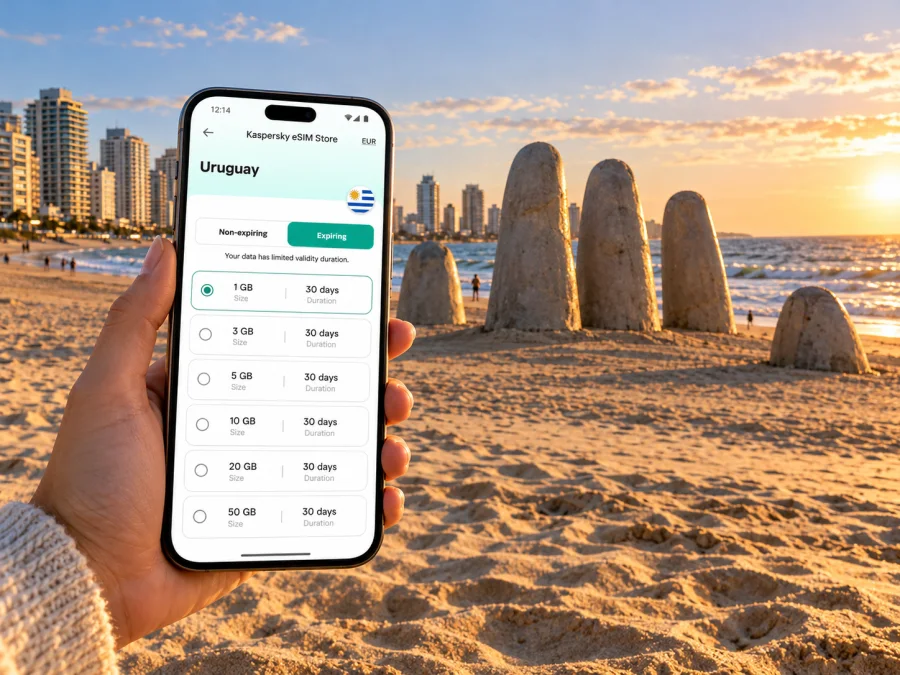
Punta del Este eSIM: mobile connection and internet for a coastal trip
Punta del Este is a resort city in Uruguay’s department of Maldonado, at the coastal meeting point of the Río de la Plata and the Atlantic Ocean. A visit may begin at Laguna del Sauce airport, continue through the peninsula’s beaches and port, and later branch out toward Maldonado, Punta Ballena or La Barra. An eSIM can make practical tasks easier along that route: checking a transfer, opening a map, confirming a hotel booking or messaging your travel companions without first finding a shop for a physical SIM.
The useful question is not whether a phone will connect to a special “Punta del Este network.” Punta del Este is a city within Uruguay, while mobile service and travel eSIM plans are arranged at the country or regional level. Before choosing a plan, confirm that Uruguay is included, review the allowance and validity, and check which network the plan uses if that information is provided. Local conditions can vary by location and building, so no plan should be treated as a guarantee of signal at every beach, road or indoor venue.
Why mobile data helps on arrival
The international airport serving the resort is Punta del Este International Airport, also known as Laguna del Sauce. It is outside the peninsula, in Maldonado, so the ride into your accommodation is part of the arrival plan. Mobile data can help you check a pickup point, message a driver, compare the route with your reservation and let someone know when you have left the airport.
Before boarding, save the accommodation address, transfer details and check-in instructions. Download an offline map and keep a meeting point in mind in case your group separates. A map may still need data for live traffic and search, so offline access is a useful backup.
An eSIM is a digital SIM profile installed on a compatible device. Depending on the plan, it can provide mobile data without removing your home SIM. It does not automatically provide a local number, voice calls or SMS; check the selected plan’s terms. Internet calls and messaging apps still need data and app availability.
Read the map as a peninsula, not a single beach
Punta del Este lies between Playa Mansa on the west and Playa Brava on the east. The port and central streets sit around the tip; the resort area extends beyond it. Punta Ballena is to the west, while La Barra and José Ignacio are to the east. These are useful geographic labels, but not interchangeable with the city centre: a stay in an outlying locality can mean a different transfer and longer journeys.
Search by the exact accommodation pin rather than “Punta del Este” alone. Confirm the destination name, street and map pin together before leaving the airport or bus terminal. A broad search may mix the peninsula with nearby places, and similarly named hotels can have different entrances.
| Place | Navigation check |
|---|---|
| Laguna del Sauce airport | Confirm the pickup point and onward address; the airport is outside the peninsula. |
| Peninsula and port | Save a precise meeting point between waterfront and central streets. |
| Playa Mansa or Playa Brava | Share the beach access point, not just the beach name. |
| La Barra or Punta Ballena | Confirm the exact address and return transport; these are outside the central peninsula. |
This is a navigation guide, not a coverage map. Signal depends on the selected provider, device, location and building conditions. Keep important directions and reservations available offline.
If you use a ride-hailing or mapping app, enter the destination while you have a stable connection and confirm the address before the car moves. Mobile data is useful for updated traffic and live arrival estimates, but the driver’s route and your map may display different entrances for a large hotel or residential complex. Share the property name and street address as well as a pin. When walking between the port, shops and waterfront, keep an eye on battery use: location services, screen brightness and camera use can drain a phone faster than messaging alone. A small battery pack and a saved address are practical complements to an eSIM.
Choose a plan for the whole itinerary
Travel plans are usually selected for a country or region, not for one neighbourhood. If Punta del Este is your destination, confirm that Uruguay is included. If you will also visit Montevideo or cross a border, review the full route: a Uruguay-only plan and a regional plan are different choices.
Estimate data from your habits. Maps, messaging and reservation checks use less than repeated video calls, large uploads or streaming. Download maps and media on Wi-Fi, pause automatic photo backups on mobile data and review which apps can run in the background.
Before purchase, check:
- Destination: Uruguay and any other countries on your route are listed.
- Allowance and validity: the data amount fits your use, and you know when the period begins.
- Activation: installation, activation and the start of validity may be separate events.
- Network and tethering: read any network notes and confirm hotspot use if you need a laptop.
- Calls and messages: do not assume the plan includes a local number, voice or SMS.
A short peninsula visit may need less data than a longer stay involving work calls and uploads. There is no universal allowance; use your expected habits and leave room for changes.
When the destination is settled, you can review eSIM options for Uruguay and compare plan terms. Kaspersky eSIM Store is an app and website where travellers can choose, purchase and activate an eSIM with a suitable plan for mobile internet abroad. It is not a mobile operator and does not own or operate Uruguay’s networks.
Local operator eSIMs and travel eSIMs are different choices
Uruguay’s mobile market includes local operators that publish eSIM information for their services. Antel and Claro Uruguay, for example, describe eSIM options for eligible customers and compatible devices. These are local operator products with their own account, registration and activation rules. A travel eSIM for an international trip is separate, even though both use eSIM technology.
A local operator’s page does not establish which network a separate travel plan uses, whether that plan is available to a visitor, or whether it includes calls and SMS. Likewise, a travel plan’s Uruguay listing says nothing about local operator eligibility. Check the exact product, its country coverage, activation method and support terms. If you keep your home number active, review that carrier’s roaming conditions separately.
| Check | Local operator eSIM | Travel eSIM |
|---|---|---|
| Conditions | Local provider’s eligibility and service terms | Plan coverage, data, validity and network notes |
| Calls and SMS | Confirm with the operator | Confirm with the selected plan |
| Coverage of the other option | Not implied | Not implied |
Even where a plan names a network partner, that name does not guarantee signal at every beach, road or indoor venue. Arrange a backup for time-sensitive work.
Check the device version before buying
eSIM support depends on the exact device, not just its family name. Manufacturers may sell regional variants with different cellular capabilities. Check the full model identifier with the manufacturer or in the settings, confirm eSIM support for that version and make sure the phone is not carrier-locked.
Check whether your device is compatible before purchase. Confirm you can access reliable internet during installation and know which SIM profile will handle data. If you rely on your home SIM for calls or verification, do not remove or disable it without a reason; dual-SIM options vary by device.
- [ ] Exact model and regional variant identified; eSIM support confirmed.
- [ ] Device is unlocked and Uruguay is included in the plan.
- [ ] Data allowance, validity and activation conditions checked.
- [ ] Home SIM and travel eSIM roles understood; installation steps accessible.
Install before departure, activate with care
If advance installation is allowed, adding the profile at home can reduce tasks after landing. Follow the plan’s instructions: installing, activating and starting validity may be separate events. Note the timing before travel.
- Connect to reliable Wi-Fi and open the installation instructions.
- Add the eSIM through the phone settings or supported app flow.
- Label profiles clearly, such as “Home” and “Uruguay data.”
- Select the intended line for mobile data; keep your home line configured as needed.
- Enable data roaming on the travel profile only if its instructions require it.
- On arrival, check that the profile and data settings match the plan.
For platform-specific steps, use the Android eSIM installation guide or the iPhone eSIM installation guide. Menu names vary. Keep the QR code private, and do not delete a profile unless support advises it; some profiles cannot be reinstalled after removal.
Make the connection work with your day
Save the return address and meeting point before a beach visit, and carry a power bank if you rely on navigation for hours. For restaurant bookings, keep the confirmation offline and check the map pin. Before a coastal trip beyond the peninsula, confirm the exact destination and return transport.
For remote work, test the connection before an important meeting, confirm hotspot use if you will tether a laptop, and keep key documents offline. A plan does not guarantee a particular speed or indoor signal. If uploads or computer updates consume data, pause cloud sync and review usage periodically.
Short stays, work trips and onward routes
- Short peninsula visit: prioritise the airport transfer, lodging pin, maps and messaging; keep a map offline.
- Stay outside the centre: confirm whether the address is in Punta del Este, La Barra, Punta Ballena or another locality, and plan the return trip.
- Work trip: distinguish occasional messaging from video calls or laptop tethering; test the setup before a meeting.
- Wider itinerary: Punta del Este is in Maldonado, Uruguay. Re-check the destination list for every country if you cross a border.
Common questions
Is there an eSIM just for Punta del Este?
Travel plans are usually listed by country or region. Confirm Uruguay is included; a city name in an itinerary does not replace checking the plan’s coverage.
Does a travel eSIM use a local Uruguayan operator eSIM?
Not necessarily. Local operators such as Antel and Claro have separate eSIM products and eligibility rules. A travel plan has its own terms and network arrangements.
Will I get a Uruguayan phone number?
Do not assume so. Many travel eSIMs are for mobile data and do not include a local number, calls or SMS. Check the plan details.
Can I keep my regular SIM active?
Often a compatible dual-SIM phone can retain both profiles, but active-line combinations vary. Your home carrier may charge roaming if its line uses data or makes calls abroad.
What if the eSIM is installed but there is no data?
Check that it is enabled and selected for data, the plan is active, and settings match the provider’s instructions. Some plans require data roaming on the travel profile. Contact support before deleting the profile.
Prepare once, then explore
For Punta del Este, a reliable mobile-data plan is most useful when it is part of a broader arrival plan: know which airport you are using, save the address beyond the peninsula if necessary, and keep a map and booking details available offline. Select a plan for Uruguay or the full regional route, check the data and validity conditions, and confirm that your exact device variant can use eSIM.
When you are ready, choose an eSIM plan for your trip to Uruguay through Kaspersky eSIM Store, the app and website for choosing, purchasing and activating an eSIM with a suitable plan for mobile internet abroad. Review the selected plan’s terms before purchase, install it using the platform guide, and keep your home line’s roaming settings separate from those of the travel profile. That preparation leaves you free to focus on the coast, your itinerary and the people you are travelling with.


