Travel connectivity guide
Sabah Al Salem eSIM: Mobile Internet in Kuwait
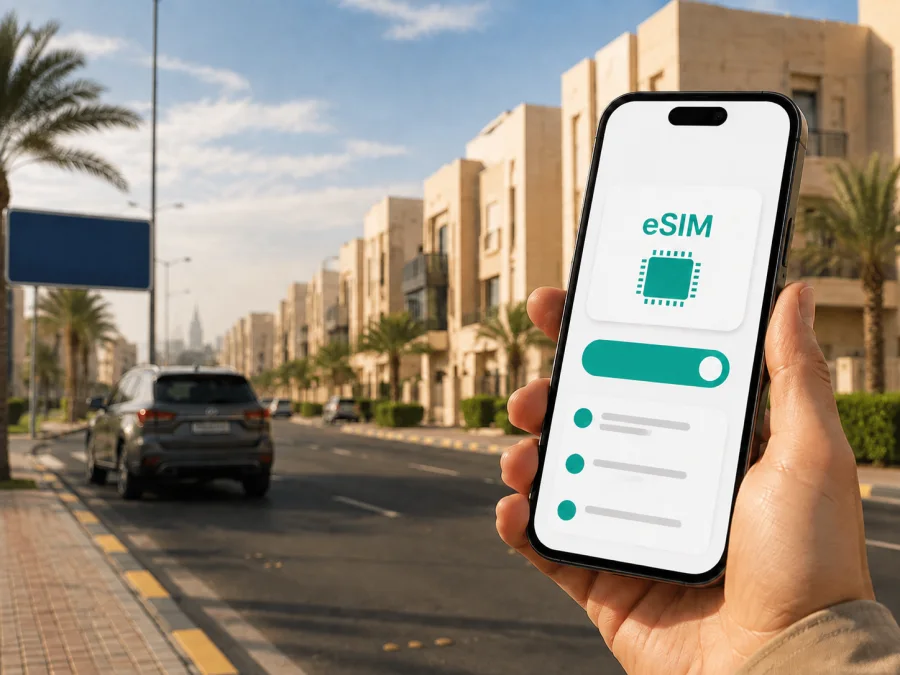
Sabah Al Salem eSIM: mobile connection and internet for a Kuwait trip
Sabah Al Salem is a useful base for a Kuwait visit combining family time, business meetings, shopping, and trips toward Kuwait City or the coast. The area is in Mubarak Al-Kabeer Governorate and is arranged into numbered blocks, so a dependable mobile connection is valuable from the moment you leave the airport. You may need to find a building, share your location, check a booking, message a host, or coordinate a ride.
An eSIM, or digital SIM, can let you use mobile internet in Kuwait without replacing the physical SIM in your phone. Kaspersky eSIM Store is an app and website where you can choose, order, and activate an eSIM with a suitable plan for mobile internet during an international trip. You select the destination, review the data allowance and validity period shown for the plan, and install the eSIM on an unlocked device after checking compatibility.
Why mobile internet matters in Sabah Al Salem
Sabah Al Salem is not a compact historic centre where every errand is completed on foot. Addresses are often understood through the area name, block, street, and building details. A map pin, a live route, and a message can make the difference between a smooth arrival and a long search, especially when you are meeting someone at a villa, apartment building, office, school, or local shopping area.
Mobile data is useful for more than sightseeing. You may need it to:
- open a map while travelling from accommodation to a meeting;
- confirm an entrance or send an updated arrival time;
- request a taxi or ride-hailing trip and follow its progress;
- read a host’s message when the meeting point changes;
- translate a short phrase or check opening information;
- use a banking or travel app away from familiar Wi-Fi;
- join a work call, open cloud documents, or send a file;
- stay in touch with family through internet messengers.
An eSIM can work alongside your usual physical SIM. You may keep the primary line for its phone number and select the travel eSIM for mobile data. The exact settings depend on the phone. If the selected plan is data-only, it does not include a regular phone number, ordinary voice calls, or SMS; internet messengers can be used for calls and messages when appropriate.
Your first hours in Sabah Al Salem
From Kuwait International Airport
Kuwait International Airport is the natural starting point for an international arrival. You may need to complete arrival procedures, collect luggage, find ground transport, and travel to a particular block in Sabah Al Salem. Mobile data helps with the current parts of this sequence: checking the address, contacting the person meeting you, and confirming the route.
Keep your accommodation address in two forms: the booking details and a map pin or note that includes the block and street. A driver may need more than a hotel name, while a host may ask you to approach from a particular road. Save the details before the flight too, because a prepared offline note is useful if the phone needs a moment to register after landing.
Installing the eSIM before departure lets you complete setup through a stable internet connection. You can also install it after arrival if you have Wi-Fi or another way to get online. Do not delete your primary SIM profile while changing data settings; it may still be needed for verification or ordinary calls.
The final approach
Once you are in a car, keep the destination visible and check the route. Traffic, temporary works, and the exact entrance to a building can change the practical journey. Use the full address and block number, confirm the pin, and agree on a recognizable meeting point.
How to choose an eSIM plan for a Sabah Al Salem stay
Start with the shape of your trip, not just the data volume. A short stopover with an airport transfer and a few map checks has a different need from a workweek with video calls, cloud files, and daily travel across Kuwait.
| Trip pattern | Likely online activity | What to consider |
|---|---|---|
| Short stopover | Messages, maps, ride coordination, booking checks | A smaller allowance may be enough if you avoid streaming and large downloads. |
| Weekend stay | Navigation, social apps, venue research, messenger calls | Leave room for repeated map use and photo sharing. |
| Business visit | Email, cloud files, video meetings, authentication | Check validity and any conditions for tethering. |
| Longer stay | Everyday navigation, messaging, browsing, media | Compare the allowance with the number of days and your habits. |
| Kuwait road itinerary | Frequent route checks across several districts | Confirm that the destination and validity cover the complete route. |
In Kaspersky eSIM Store, compare the plan’s destination, data allowance, validity period, and price. Conditions can vary, so read the details before payment. A Kuwait plan may suit an itinerary that includes Sabah Al Salem, Kuwait City, Salmiya, Messila, Mishref, or destinations farther south. The city is your base; the plan’s stated destination determines where it can be used.
After estimating your route and stay, choose an eSIM plan for your Kuwait journey. Keep the confirmation and activation information accessible in your profile or email, and note when you want data usage to begin.
Moving around from Sabah Al Salem
Roads, taxis, and ride-hailing
For many journeys, a car is the practical way to move between Sabah Al Salem and other parts of the Kuwait metropolitan area. Keep the destination written clearly, including the block and street. A map and messaging app can help clarify the final approach without searching for public Wi-Fi.
When ordering a ride, check that the map pin is placed on the side of the road where you expect to be collected. At a large building or shopping destination, agree on an entrance or pickup zone. This is useful when a place has several access points.
Traffic can make a short distance take longer than it appears on a map. For a flight, appointment, or timed reservation, build in a buffer and update your arrival time if the route changes.
Buses and mixed journeys
Kuwait has bus services connecting residential areas with major parts of the urban area. Routes, stops, operating hours, and journey times can change, so check current information before relying on a particular service. Search with the area name and block, then confirm the stop closest to the actual destination.
A bus trip may include a walk from the stop to the final building. Save the destination details, carry water, and keep the full address ready if you change to a taxi or ride-hailing car.
For a mixed journey, plan each handoff:
- accommodation to the first stop;
- stop to the meeting, store, or venue;
- return route after opening hours;
- backup option if the bus is delayed or the pickup point is difficult to find.
Keep maps, transit information, messages, and booking details available between familiar places. If your main SIM is kept for calls, set the eSIM as the mobile-data line before leaving.
Accommodation, work, and errands
Hotels, apartments, and hosted stays
At check-in, save the exact address under a clear name such as “Sabah Al Salem accommodation”. Record the block, street, building entrance, and pin, especially if taxis or deliveries use a particular entrance.
Hotel Wi-Fi can help with large downloads, but mobile internet is useful on the street and between districts. Use Wi-Fi for large backups when practical, and review which apps may use mobile data in the background.
Business trips and remote work
A business visitor may move between accommodation, an office, a conference venue, and a meeting location. Save each address separately and confirm that the eSIM is selected for mobile data before leaving.
For a video meeting, test battery, audio, camera, and mobile-data access in advance. Identify a quiet backup location and download important documents where possible.
If you plan to share the connection with a laptop, verify that tethering is permitted under the plan and that the phone has enough battery. A hotspot can consume data faster than phone-only use, so do not assume every plan supports every feature.
Installing an eSIM before or after arrival
Install an eSIM when the phone has stable internet and enough battery. You will normally need the purchased profile or QR code, access to your account or confirmation email, and a device that supports eSIM and is not operator-locked. Before payment, check your device compatibility, because models can vary by region.
Menu names differ between phone models and operating systems. For platform-specific steps, use the Android installation instructions or the iOS installation instructions.
1. Prepare the phone
Charge the phone and connect it to Wi-Fi or another working internet connection. Confirm support through the compatibility check. Keep the physical SIM profile if you need its number.
2. Add the profile
Open mobile-network or cellular settings and choose the option to add a mobile plan or eSIM. Scan the QR code or follow the provided installation flow. If the code is on the same phone, use the alternative method offered by the device.
3. Set the data line
Give the new profile a clear label, such as “Kuwait data”. Select it for mobile data when you are ready to use it. Decide whether automatic data switching is appropriate; disabling it can prevent unexpected use of the other line. Depending on the device and plan, data roaming may need to be enabled for the eSIM.
4. Test the connection
Turn off Wi-Fi briefly and open a map or send a message. If activation takes a few minutes, wait and follow the plan instructions. If the profile does not connect, check the selected data line, device compatibility, operator lock, network settings, and plan status before contacting support.
If you install after landing, use airport Wi-Fi and complete the process before leaving the terminal when possible.
Before you pay: final checklist
- [ ] The destination is Kuwait and covers the full itinerary, including routes from Sabah Al Salem.
- [ ] The validity period matches the dates you expect to use mobile data.
- [ ] The allowance fits maps, messages, work apps, photos, and messenger calls.
- [ ] Your device supports eSIM and is not operator-locked; use the device compatibility check.
- [ ] You have Wi-Fi or another internet connection for installation.
- [ ] You understand whether the plan is data-only and whether ordinary calls or SMS are excluded.
- [ ] You know which line will be used for mobile data.
- [ ] You have saved the accommodation address, block, street, and map pin.
It covers the decisions that most affect a first arrival: route, device, and address readiness.
Scenarios for different travellers
One-night stopover
Priorities are the airport transfer, accommodation details, messages, and the next departure. Choose suitable validity and allowance, install through Wi-Fi, test a map, and save the return route in a note.
Workweek in Sabah Al Salem
Plan around calls, authentication, email, and documents. Choose validity for the work schedule, test the eSIM before the first meeting, and check the conditions if you need tethering.
Frequently asked questions
Can I keep my usual number active?
Often, a dual-SIM phone can keep the physical SIM installed while the eSIM is selected for mobile data. Check your model’s settings and watch which line is assigned to data. Calls and SMS on the primary line remain subject to that operator’s conditions.
Does the eSIM include a phone number?
Not unless the specific plan says so. In this context, the eSIM is intended for mobile internet. Use internet messengers for calls and messages when appropriate, and keep your primary line if you need its number.
Should I install the eSIM before flying?
Installing before departure can be convenient because you can use stable internet and test the profile calmly. You can also install after arrival through Wi-Fi. In either case, check device compatibility and keep the confirmation details available.
When does the validity period begin?
It depends on the selected plan’s conditions. Read the activation and validity information before payment, and decide whether to install the profile before departure or closer to arrival. Do not assume every plan starts at the same moment.
Why is there no connection after installation?
First check that the eSIM is enabled and selected for mobile data. Then review plan status, device compatibility, operator lock, and any required data-roaming setting. Toggle airplane mode once, wait a few minutes, and follow the plan instructions. If the problem remains, contact support with the device model and steps already completed.
Prepare your Kuwait trip
Kaspersky eSIM Store helps you choose, order, and activate an eSIM with a suitable data plan for an international journey. Review the destination, allowance, validity, device compatibility, and activation conditions before payment. Then install the profile, select it for mobile data, and test navigation before moving around Sabah Al Salem.
When ready, choose an eSIM plan for your trip to Kuwait, prepare your address details, and keep the installation instructions available. With those steps completed, you can focus on meetings, errands, visits, and routes rather than searching for a connection at each stop.


