Travel connectivity guide
Ucell eSIM in Uzbekistan: What to Know
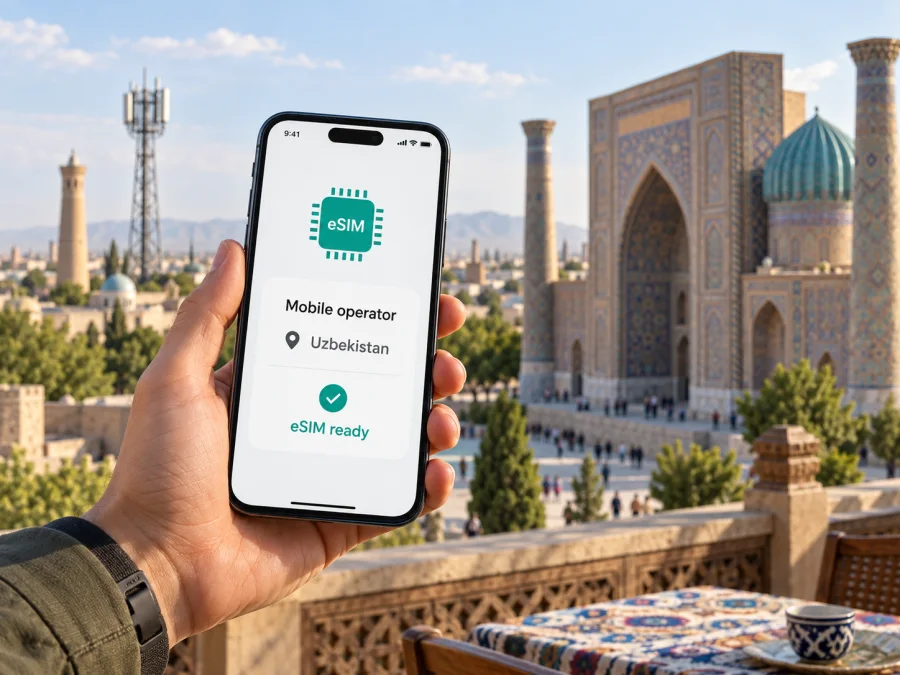
Ucell eSIM in Uzbekistan: connection, activation and travel tips
Ucell eSIM in Uzbekistan is a local mobile option to consider if you want a domestic subscriber line during your stay. Ucell’s current eSIM information confirms that the service is available and lists several ways to connect. Which route works for you can depend on your device, whether you are a new or existing subscriber, and the identity checks that apply to visitors. Confirm those details directly with Ucell before travelling or completing registration.
This guide covers the operator’s published eSIM routes, phone preparation, visitor requirements, network technologies and practical travel questions. It also explains how a local operator line differs from a travel eSIM intended mainly for mobile data. Conditions can change, so use Ucell’s current instructions and support response for decisions about your application or activation.
Ucell and mobile service in Uzbekistan
Ucell is the consumer-facing brand of COSCOM, a mobile operator in Uzbekistan. Its English-language site organizes subscriber information around connection, mobile services, roaming, support and network coverage. A Ucell line is a domestic subscriber connection with the operator in the destination country. That may matter if you need a local number or want services associated with a local account.
Is Ucell eSIM available?
Yes. Ucell’s English-language eSIM page, checked on 27 September 2026, says subscribers can activate eSIM through the Ucell mobile app’s self-registration section, at a Ucell office, through a Ucell dealer, at participating Uzum pickup points, or via the Birda partner app. The page also links to installation and troubleshooting instructions, FAQs, setup information and supported-device information. This is current public confirmation that Ucell eSIM is available in Uzbekistan.
The methods may not be interchangeable for every user. The app route is described as self-registration; in-person help may be useful if your document or phone needs checking. Partner locations and apps may have their own availability and procedures. Verify which option can issue eSIM to a foreign national and what you need to bring before making a special trip. For existing subscribers, moving a number from a physical SIM is a separate replacement process; Ucell directs subscribers to its offices or dealers for SIM/eSIM replacement.
Ucell’s corporate eSIM information says an individual visiting an office for a new connection should bring an eSIM-capable device and an identity document. It also says that an installed eSIM profile works like a regular SIM, including for roaming. Because consumer and corporate pages describe routes differently, follow instructions for your customer type. Do not assume the app route removes identity or eligibility checks.
What visitors should check before connecting
For a traveler, the first question is whether Ucell can register their specific customer status. A Ucell notice dated 12 June 2026 says foreign citizens staying in Uzbekistan can self-register a Ucell SIM card in the mobile app. The announcement describes SIM registration generally; by itself it does not guarantee that every eSIM route is open to every non-resident. Ask whether self-registration applies to eSIM and whether your passport and current local details are accepted.
Registration requires accurate personal information and may include identity verification. Bring the document Ucell requests and enter details exactly as shown. Ask whether an address, local contact details or an in-country step is required. If your stay is brief, clarify any time limits for completing verification and what happens if it is pending. Ucell’s notice for country guests says new connection conditions for foreign citizens took effect on 11 February 2026, including a blocked-status period for non-resident subscribers. Confirm how the current rule applies to your case; do not assume a line will be fully active immediately after application.
Your exact phone model and regional variant must support eSIM. Check the manufacturer’s specifications and Ucell’s supported-device information; model names can cover multiple versions, and some market variants may differ. The phone should also be unlocked and able to use another mobile profile if you plan to keep a home line active. A dual-SIM label alone does not guarantee eSIM support.
Before applying, confirm three things with Ucell: whether your visitor status and passport qualify for eSIM through your preferred route; which document or local details are required; and how to handle replacement or installation problems if you are transferring an existing number. Separately, verify that your exact phone model is supported and unlocked.
Connection and activation
- Ucell mobile app: Open the self-registration area and follow the current steps. Keep a working internet connection during application and setup. Have the requested identity document available if the app asks for verification.
- Ucell office: Ask staff to check your phone model and documents before the profile is issued. In-person help can be useful for a new connection or replacement while keeping an existing number.
- Ucell dealer: Confirm that the specific dealer handles eSIM and accepts your document type; available services can differ by location.
- Uzum pickup point or Birda app: Ucell lists these channels, but check current availability, eligibility and any identity or hand-off steps with the relevant service.
After issuance, follow Ucell’s installation guide for your phone’s operating system. A typical setup uses Wi-Fi or another working internet connection, then the phone’s mobile-network settings to add a plan by scanning a QR code or following an in-app prompt. Menu names vary by device and software. Do not delete an eSIM profile just to troubleshoot unless Ucell advises you to. Activation codes may have reuse limits, and reinstalling can require operator assistance or replacement. Keep setup instructions accessible offline and protect the QR code. If installation fails, check internet access, read the error message and contact Ucell rather than repeatedly scanning a code that appears used.
Once installed, enable the Ucell line in mobile-network settings. If several lines are active, choose which one handles data, calls and messages. Device controls vary. If you keep a home SIM active, review that line’s roaming settings separately to avoid unintended charges from your home provider. Check the selected data line before using maps, uploading photos or sharing a hotspot.
eSIM for Uzbekistan as a travel option
Kaspersky eSIM Store is a website and app that helps travelers choose, arrange and activate a prepaid eSIM for mobile data abroad. It is not a mobile operator, network owner or provider of mobile internet coverage. Its Uzbekistan destination page, checked on 27 September 2026, describes checking device compatibility, selecting a destination, activating a profile and managing it through the app or website. The page describes its eSIM as data-only, so anyone needing a local phone number, ordinary calls or SMS should check those requirements separately.
A travel eSIM may suit someone who wants to prepare mobile data before arrival, keep a primary SIM in the phone or avoid searching for a physical SIM after landing. It is not automatically cheaper or more suitable than a local subscriber connection. Consider your itinerary, length of stay, need for a local number, expected use, phone compatibility and whether the phone is unlocked. Review the current terms, destination coverage and activation conditions before purchase.
| Travel need | What to clarify |
|---|---|
| Local number or domestic subscriber services | Ask Ucell about visitor registration, eSIM eligibility and number-related features. |
| Mobile data arranged before arrival | Check a travel eSIM’s destination, activation instructions and device requirements. |
| Keeping a home line active | Confirm dual-SIM behavior and manage data selection and roaming settings. |
| Travel across several countries | Check whether one profile supports the full route and each destination. |
| Help in person during the stay | Verify the hours and services at the Ucell location you plan to visit. |
Coverage and network technologies
Ucell’s coverage map is the operator’s main public reference for network availability. It describes coverage as indicative and says actual reception and data speeds can vary with the device, radio conditions, terrain, weather and the number of people using a cell. This matters on routes that include city streets, transport corridors, smaller settlements or open areas. A map helps with planning but cannot promise an identical signal inside every building or at every point along a road.
Ucell’s 5G information page displays layers for 2G voice and internet, 3G voice and internet, 4G internet and 5G. The operator’s published network information identifies GSM, UMTS, LTE and 5G technologies. These labels help when checking a device, but do not mean every technology is available everywhere. Check the operator’s map for cities and regions on your itinerary and expect a phone to use another supported mode where a preferred one is unavailable.
Prepaid and visitor offers
Ucell’s current public offer for prepaid cellular service, checked on 27 September 2026, confirms prepaid service under the COSCOM brand. The operator has also published offers for visitors to Uzbekistan. Its current information points travelers to guest connection conditions and identity documents; a Ucell visitor-connection announcement dated 27 May 2024 described passport-based eligibility. A subscriber notice dated 17 September 2026 says changes to visitor-oriented offers take effect on 1 October, so availability may change shortly after this guide’s verification date. Ask which options are currently open to visitors and whether your connection can be issued as eSIM or only in another format.
An offer that requires a physical SIM does not mean Ucell lacks eSIM service; the offer format and general eSIM availability are separate questions. A public eSIM route also does not prove that every visitor offer is issued in eSIM format. Confirm eligibility, required documents and SIM type with Ucell. Current public information confirms eSIM, prepaid service and visitor-oriented offers in general; individual terms must be checked directly.
Before you travel: practical checklist
- Check eSIM support for your exact phone model and regional version, and confirm the phone is unlocked.
- Ask Ucell about visitor eligibility, passport requirements, connection channel and SIM format.
- Keep internet access available for registration and profile installation; save the official setup instructions.
- Review Ucell coverage for your route and decide which phone line will use mobile data.
- Check home-line roaming settings and keep eSIM activation details private.
Common questions about Ucell eSIM in Uzbekistan
Can I get Ucell eSIM before arriving?
Ucell lists app-based self-registration, but remote access for foreign visitors depends on current identity and eligibility checks. Its June 2026 notice concerns SIM registration generally and does not guarantee every eSIM route. Ask whether your passport and location are accepted.
What do I need to activate it?
You need an eSIM-compatible phone, internet access for setup and the identity information required for registration. Ucell says office applicants should bring an eSIM-capable device and an identity document. Confirm the exact visitor and app-based rules.
Will I have 5G everywhere?
No coverage map can promise service at every point. Ucell publishes a 5G map and notes that reception varies. Check your destinations and expect the phone to use another supported network mode where 5G is unavailable.
What if the QR code fails?
Check internet access, confirm the phone supports eSIM and follow Ucell’s installation guide. Do not delete a profile or repeatedly try a code that appears used; ask Ucell whether it can be installed again or must be replaced.
Choosing a connection for your trip
Ucell eSIM is a verified local option to investigate for Uzbekistan: its current page lists connection routes and links to supported-device and setup information. It may suit a traveler who wants a domestic subscriber relationship, subject to eligibility and registration. Visitors should pay particular attention to passport requirements, rules for non-resident lines and whether guest offers are available in eSIM format.
A travel eSIM may fit when mobile data is the main requirement and you want to prepare before arrival. Kaspersky eSIM Store is an app and website that helps you choose, arrange and activate a travel eSIM; it is not Ucell, a network owner or a mobile internet provider. Compare the functions and terms of the service you select, and confirm that your phone is compatible and unlocked. Your need for a local number, route, registration eligibility and device support all affect the decision.
For the latest eSIM instructions, supported devices, visitor eligibility and coverage, consult Ucell’s official eSIM, self-registration, foreign-customer and coverage pages or contact the operator. This guide was checked on 27 September 2026; conditions can change. Kaspersky eSIM Store is not affiliated with Ucell. They are separate services.
If a travel data eSIM fits your plans, explore eSIM options for Uzbekistan and review current terms for your device and itinerary.


